Record once. Watched anywhere.
Imago turns your screen and camera into a video message with an instant link. Send it, skip the meeting — they watch on their time, and every recording comes with an AI summary, chapters, a searchable transcript, and viewer analytics.
No downloads to watch · Instant share link · Comments on the timeline
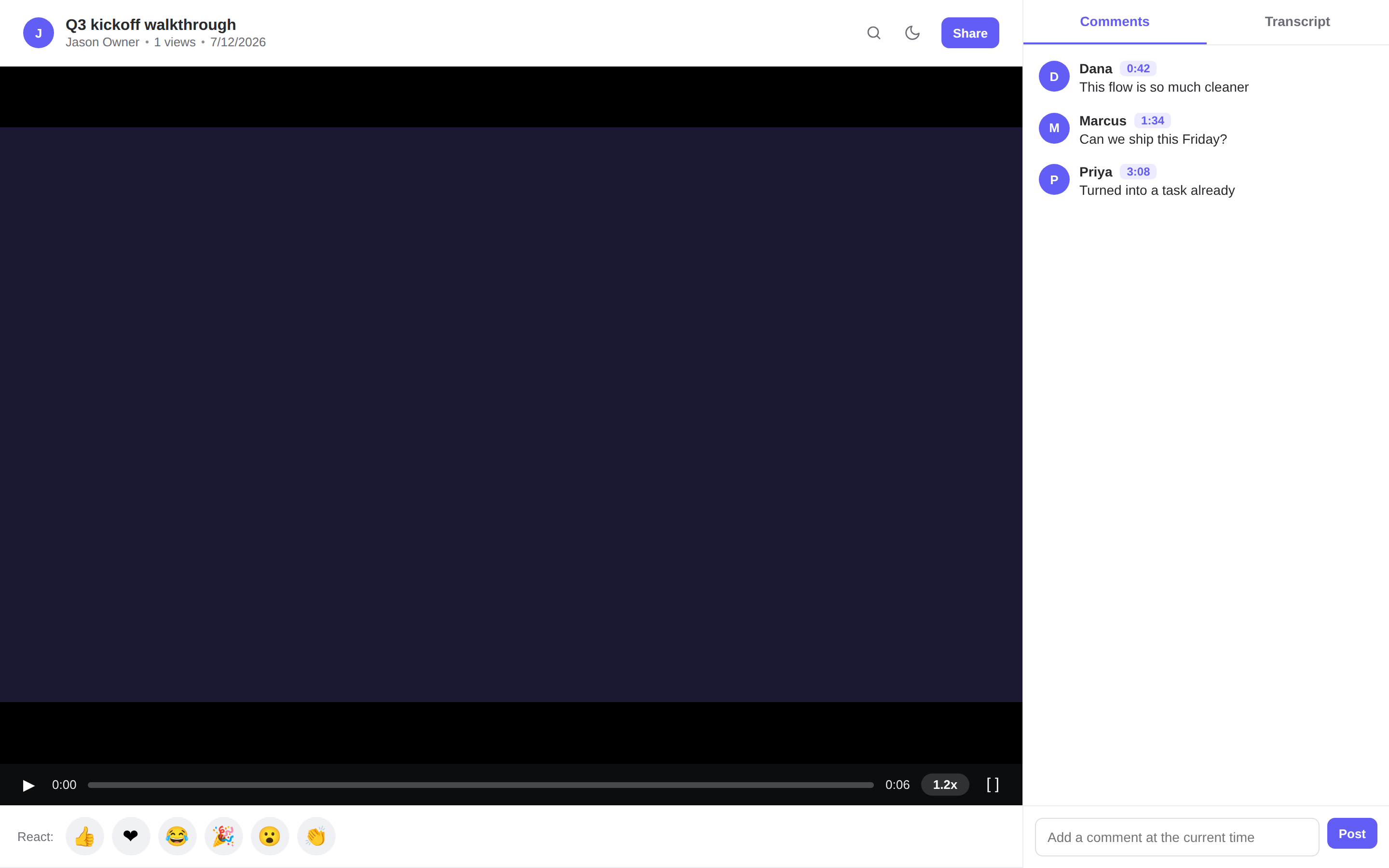
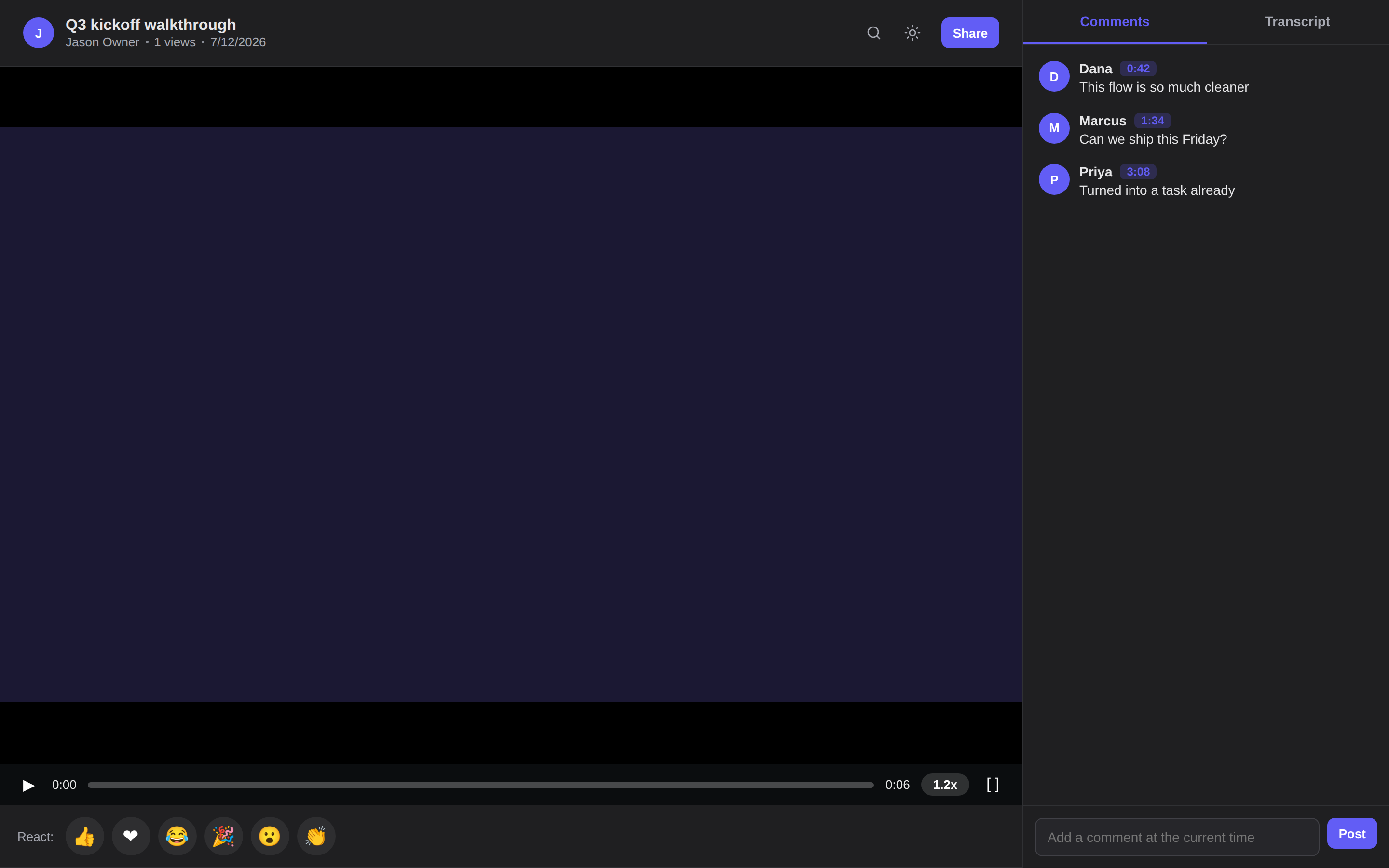
From a thought to a shared link in one take.
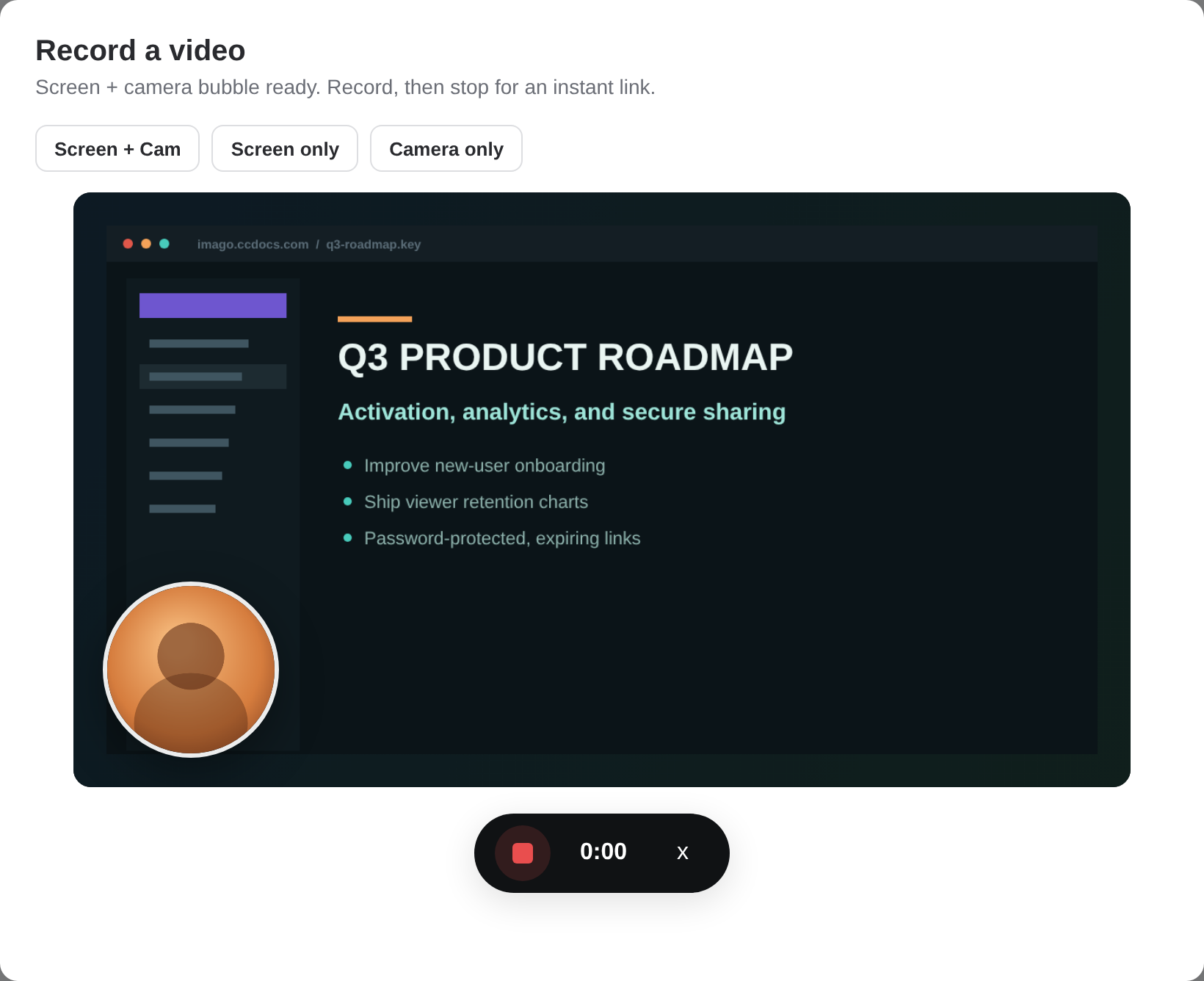
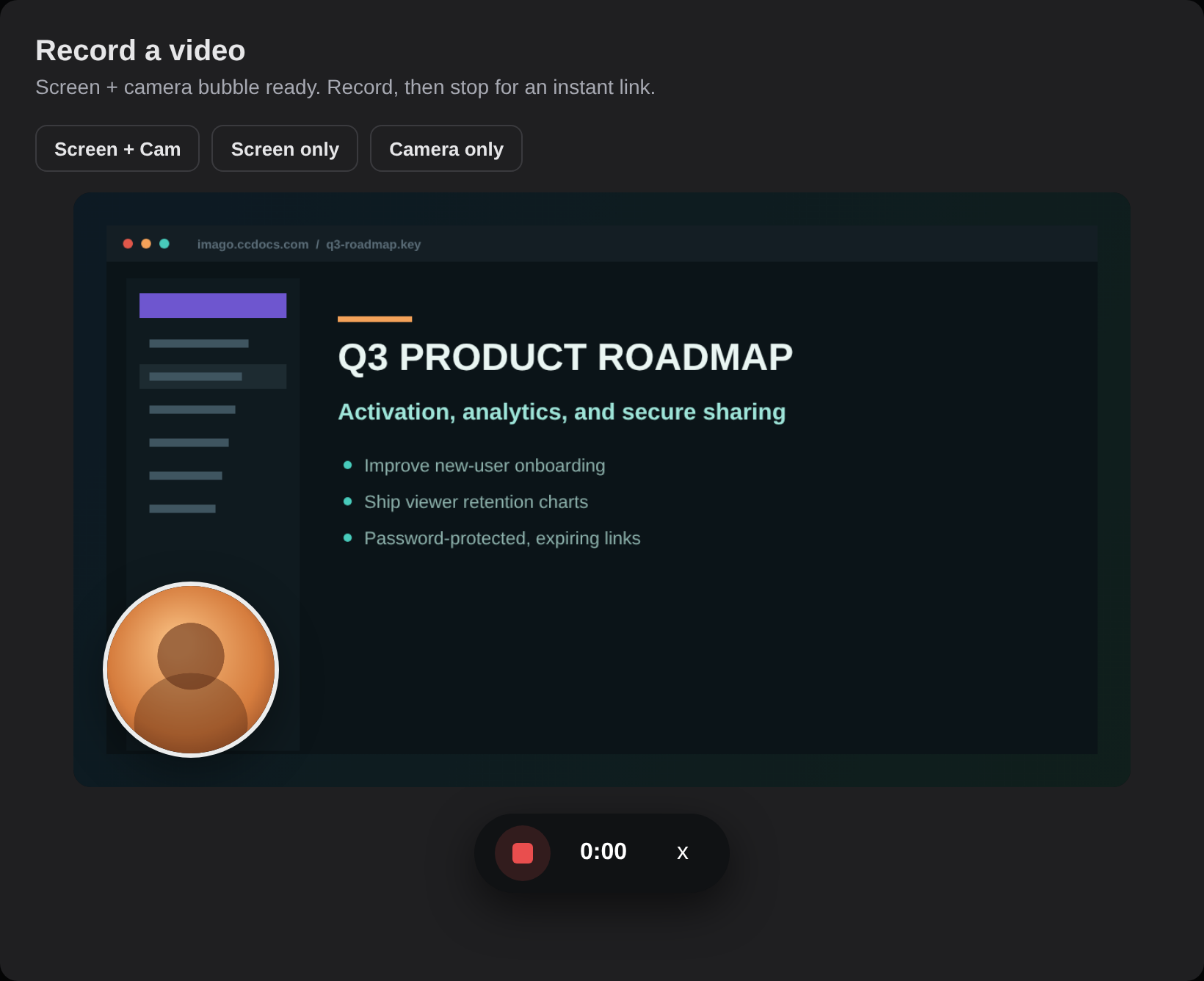
No scheduling, no editing suite, no "can everyone see my screen?" Hit record, talk it through, and Imago hands you a link before the file even finishes uploading.
Record your screen and face
Capture your screen, your camera, or both. A draggable camera bubble keeps you human — not a faceless walkthrough.
Get an instant link
The link is live the second you stop — it starts playing while the rest still uploads. Paste it anywhere.
Watched & replied
Viewers drop comments and reactions at the exact second they mean — feedback that points right at the frame.
Every recording, understood.
The moment a recording finishes, Imago reads what happened and writes it up — a title, a two-to-three sentence summary, chapters, and the action items buried in the walkthrough. Powered by Qwen, generated on your own recordings.
-
Auto title & summaryA clear title and a tight 2–3 sentence recap, so nobody has to press play to know what is inside.
-
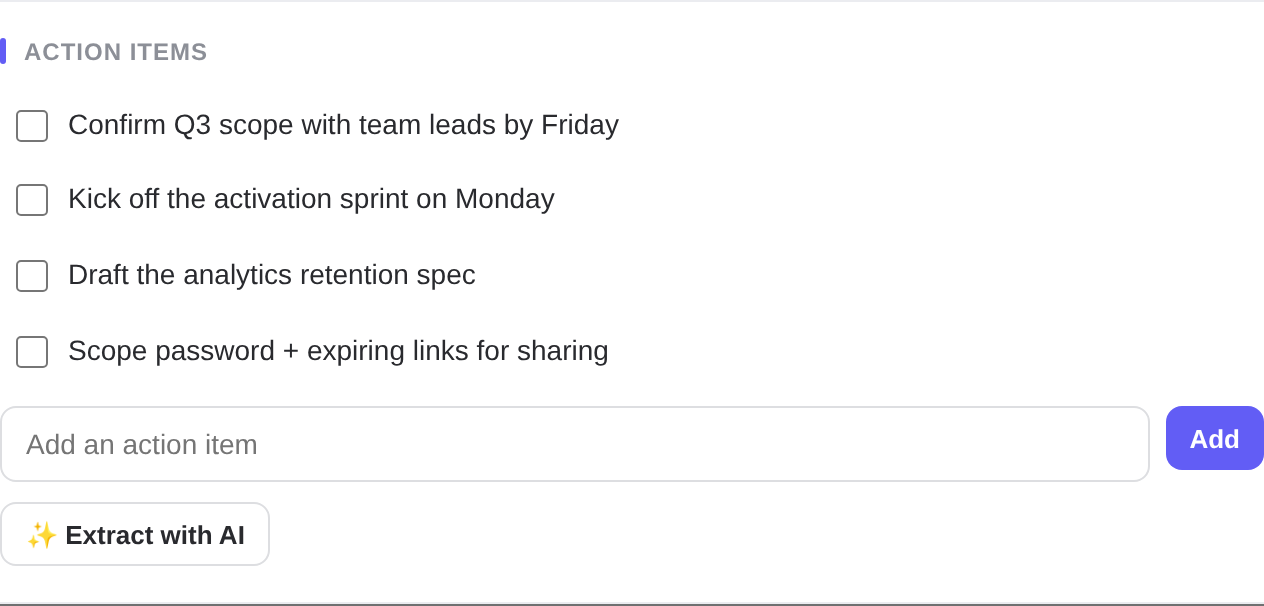
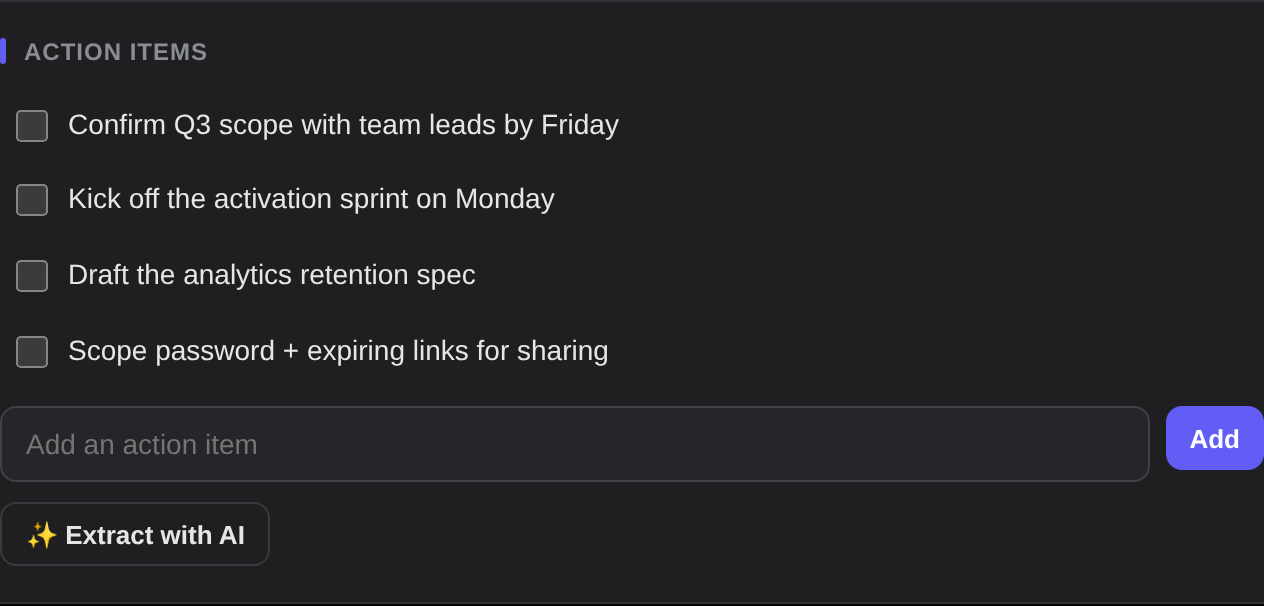
Chapters & action itemsJump-to chapters segment the video by topic; action items are pulled out and ready to check off.
-
One-tap suggestionsPrefer to edit? Accept an AI-suggested title and summary with a single click, or write your own.
Find the moment by what was on screen.
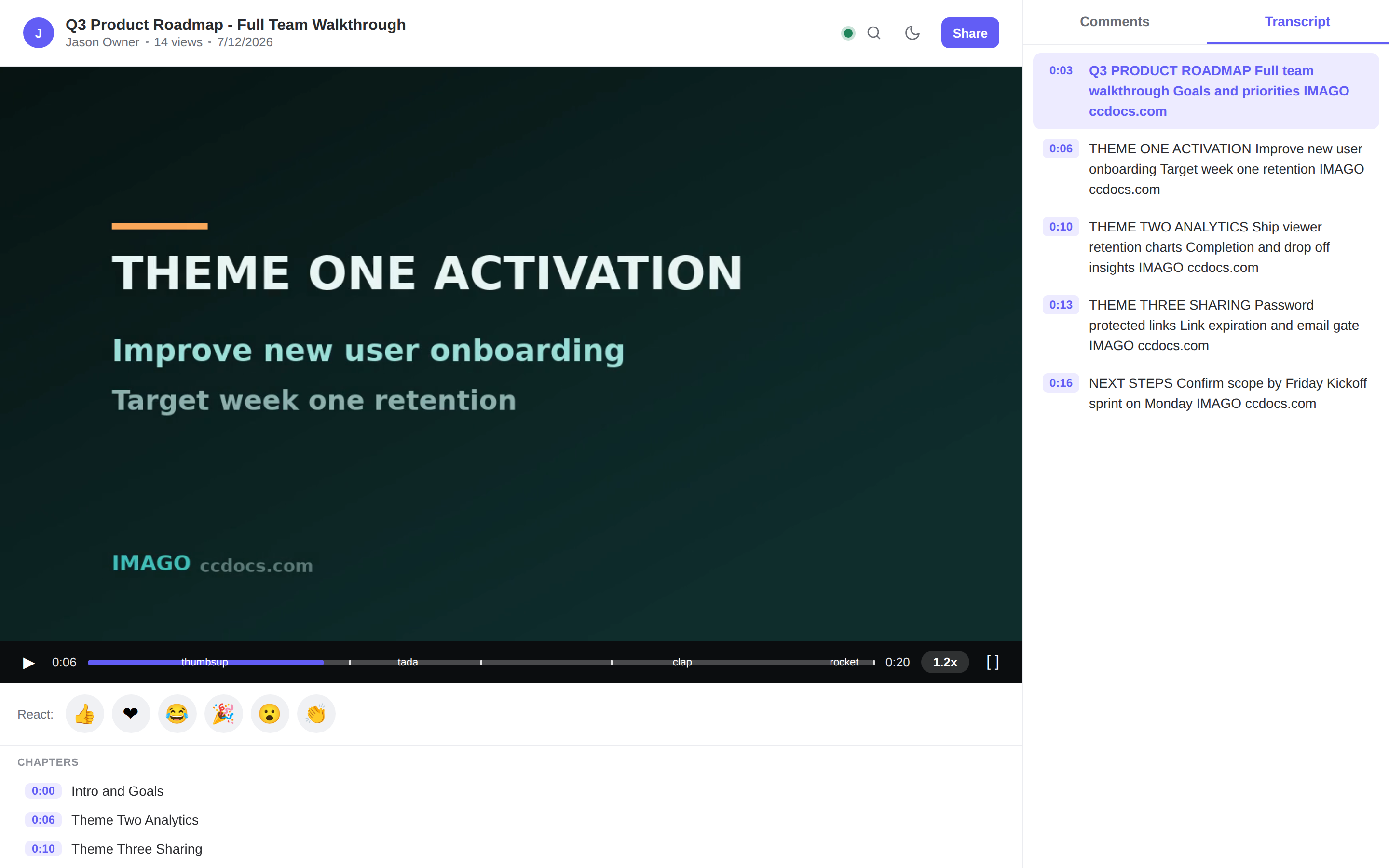
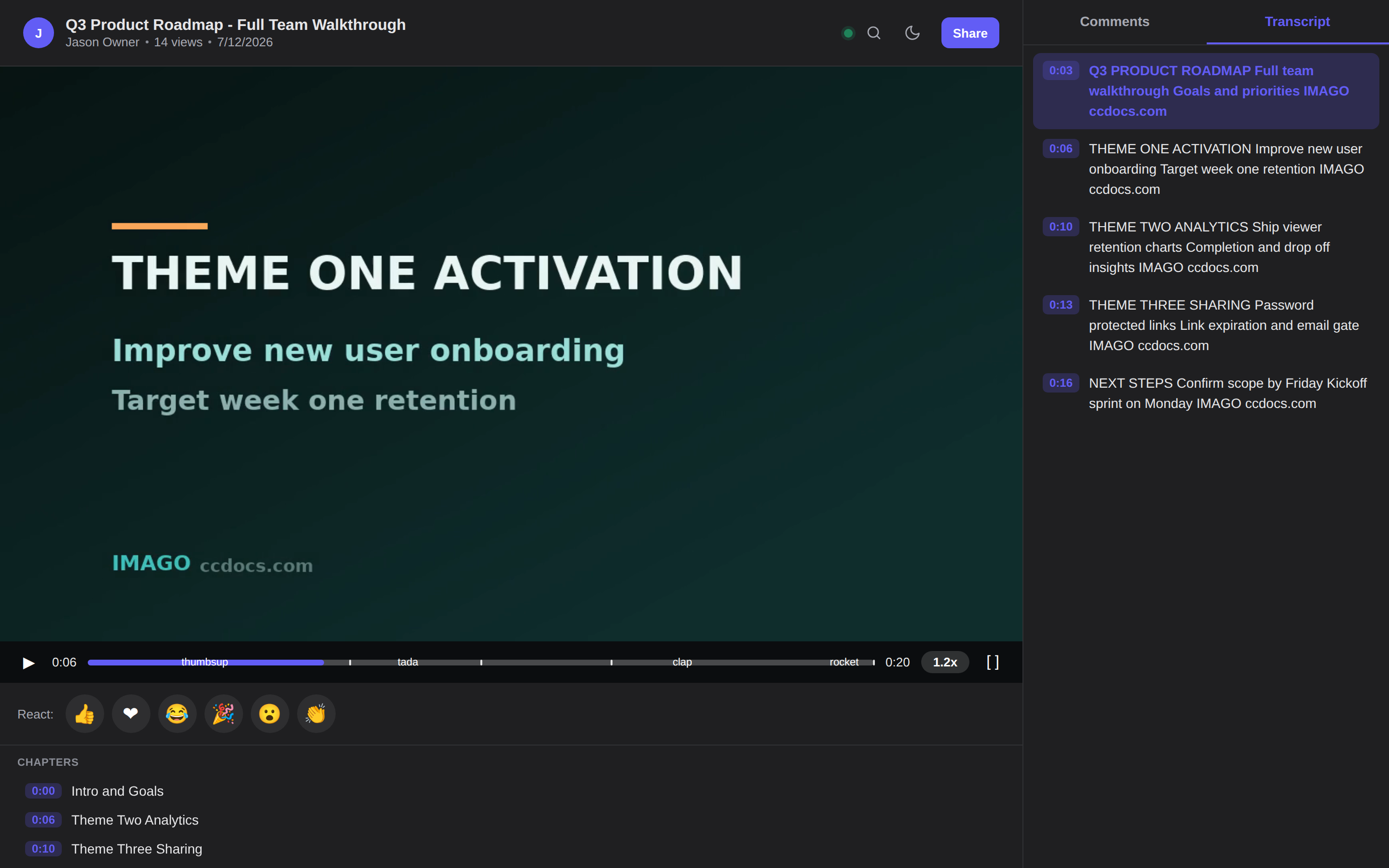
Every recording gets a visual transcript — the on-screen text, cue by cue, in a panel beside the player. Click any line to jump straight there, and the active cue follows along as it plays.
-
Click-to-seek cuesTimestamped lines you can click to jump the player to the exact second.
-
Indexed for searchTranscripts feed library search, so you find a clip by a line that was on screen in it.
The player got smarter.
Two upgrades land right on the timeline: the moments that matter, auto-marked, and captions in the viewer's own language — both generated by Qwen on your recording.
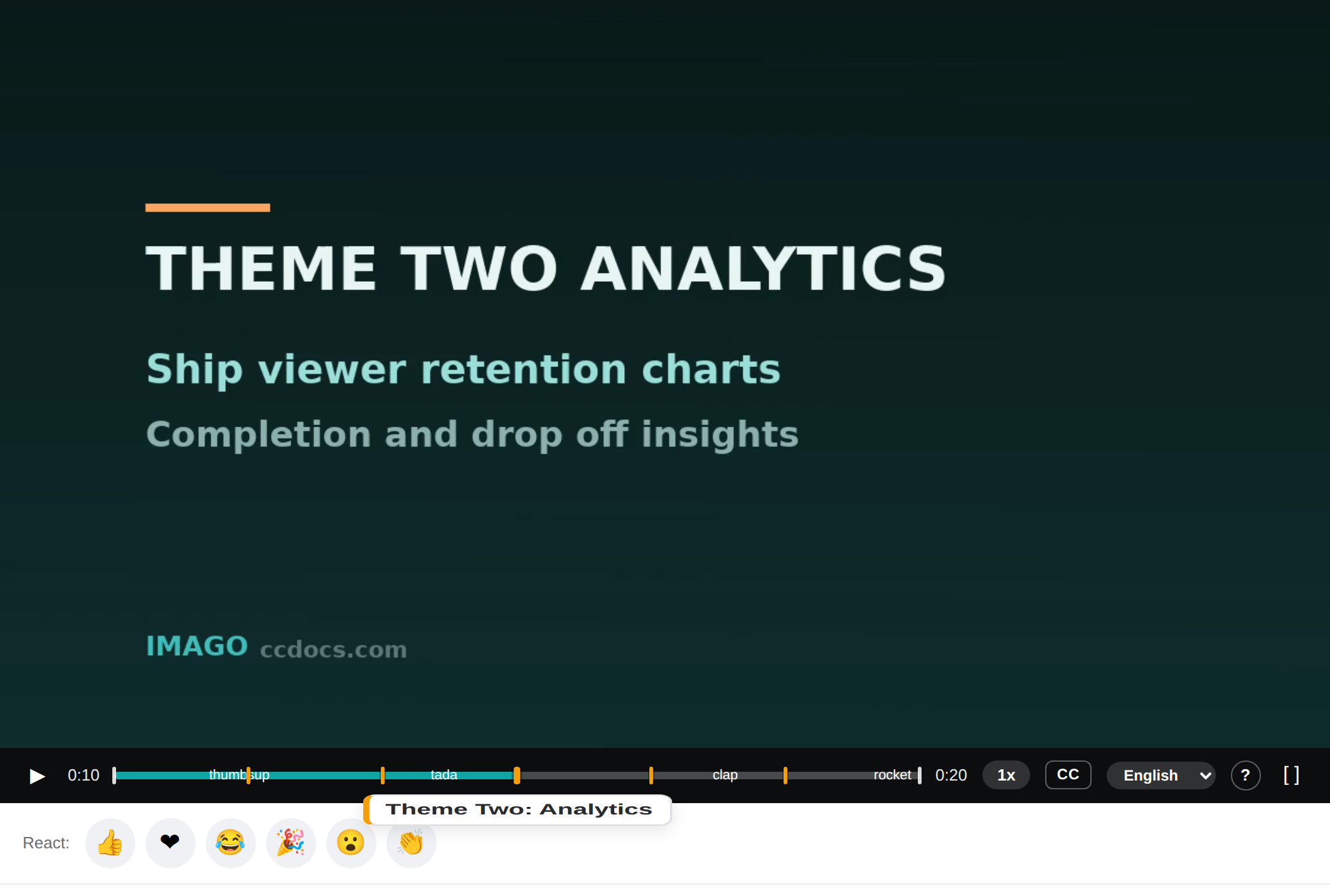
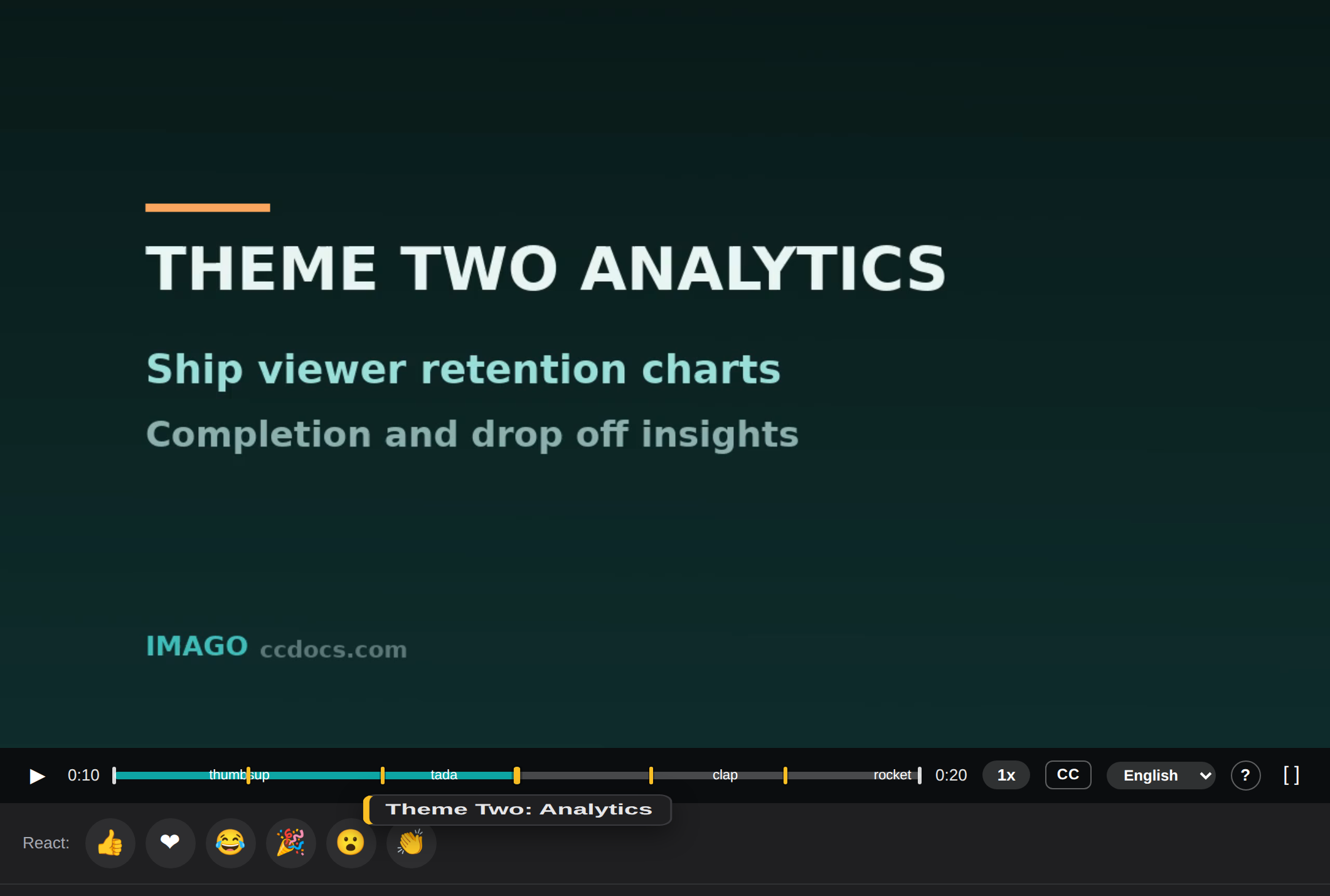
The key moments, marked
Qwen flags the handful of moments that matter and drops amber markers on the scrubber — a distinct color from chapters, one click to jump straight there.
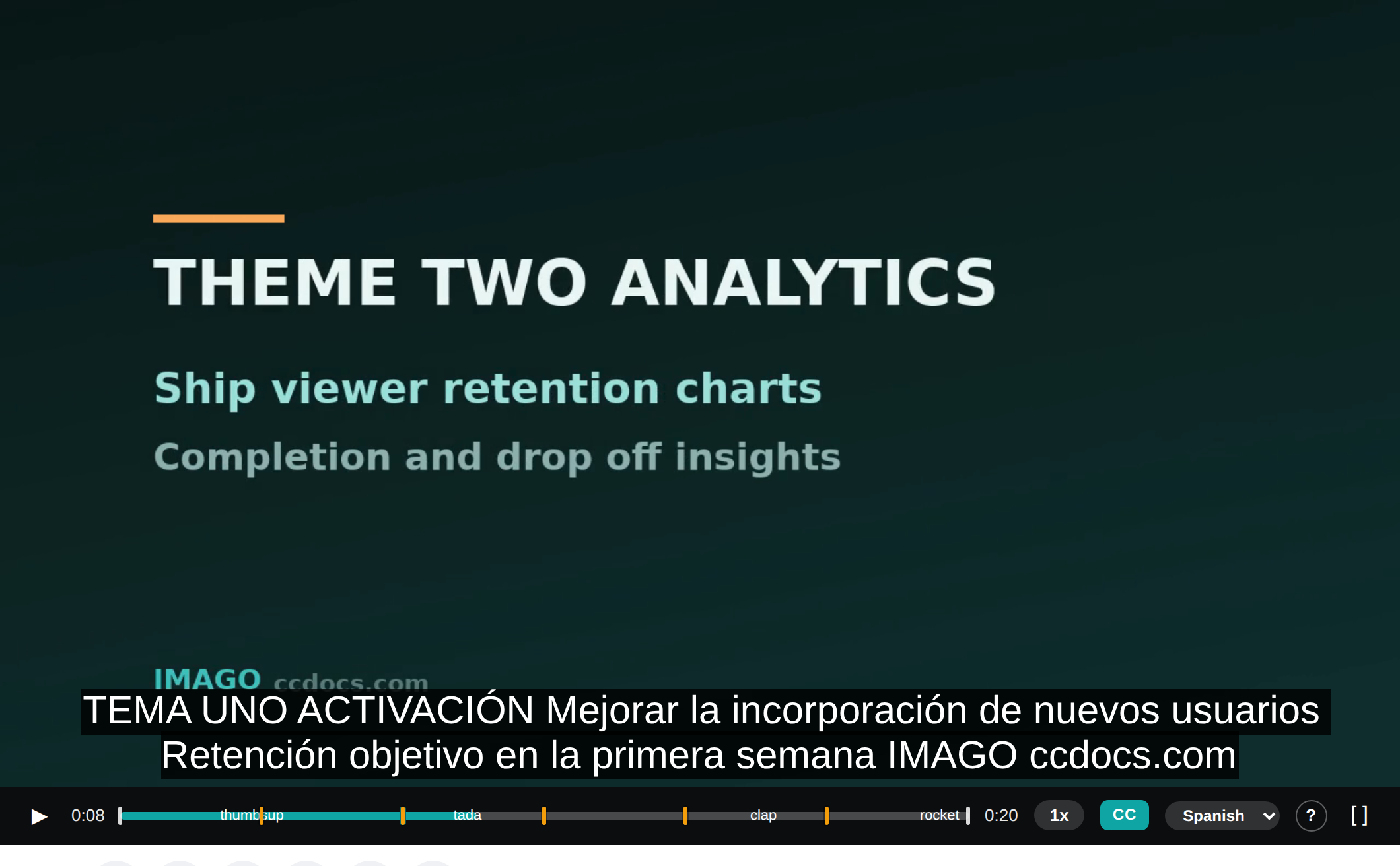
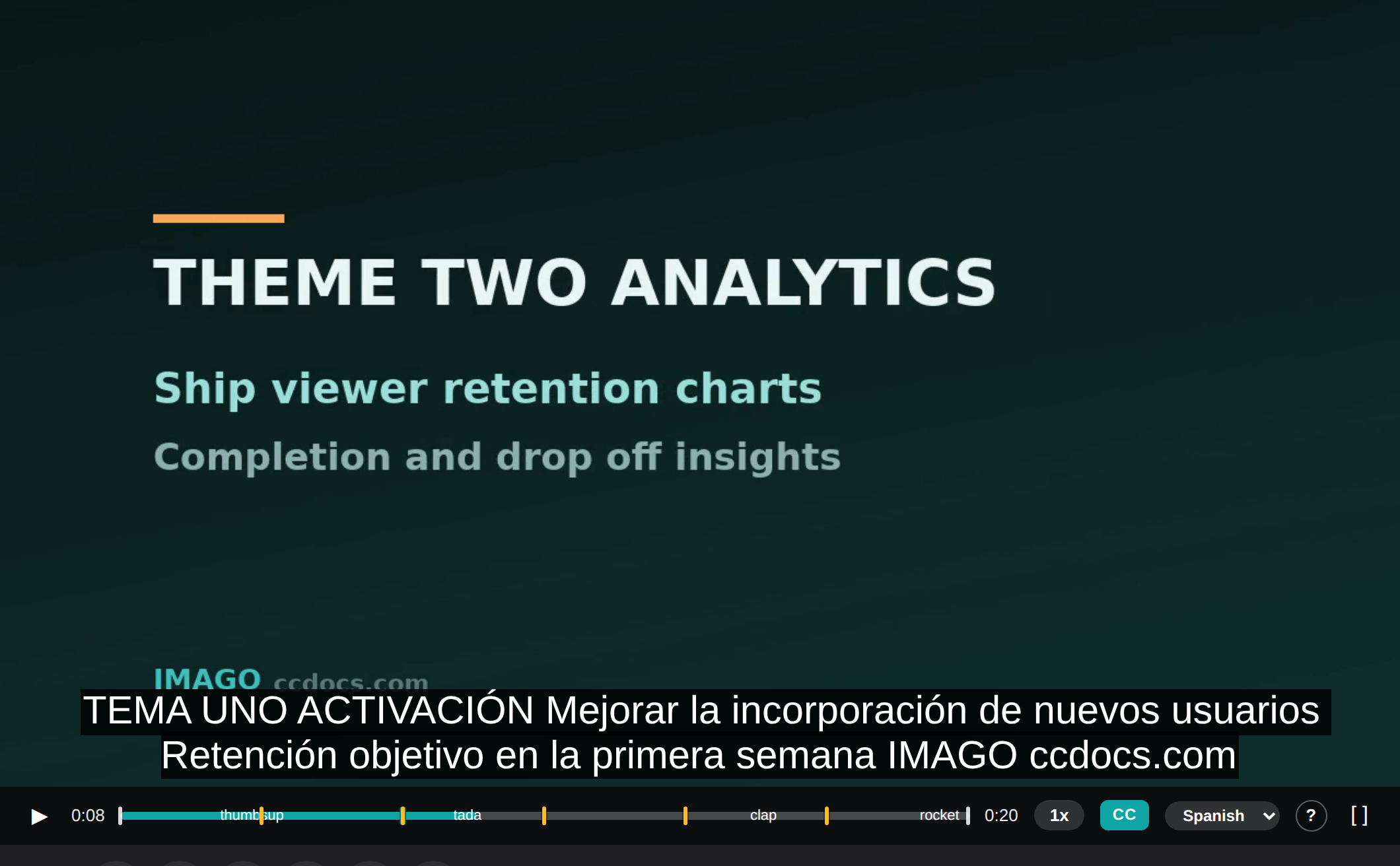
Captions in their language
Translate the transcript in one click; viewers pick their caption language right in the player and read along in Spanish, French, and more.
Know exactly how it landed.
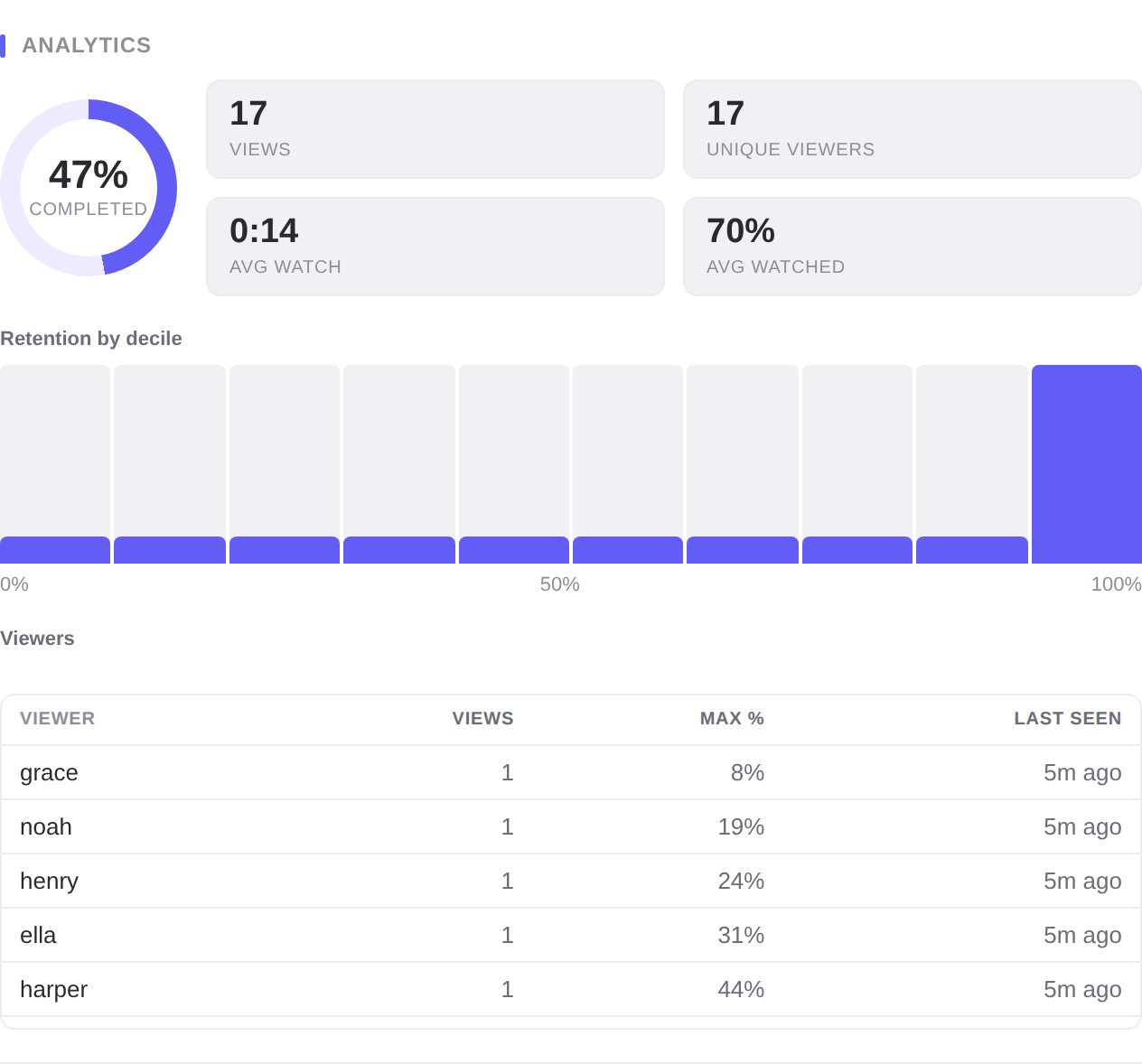
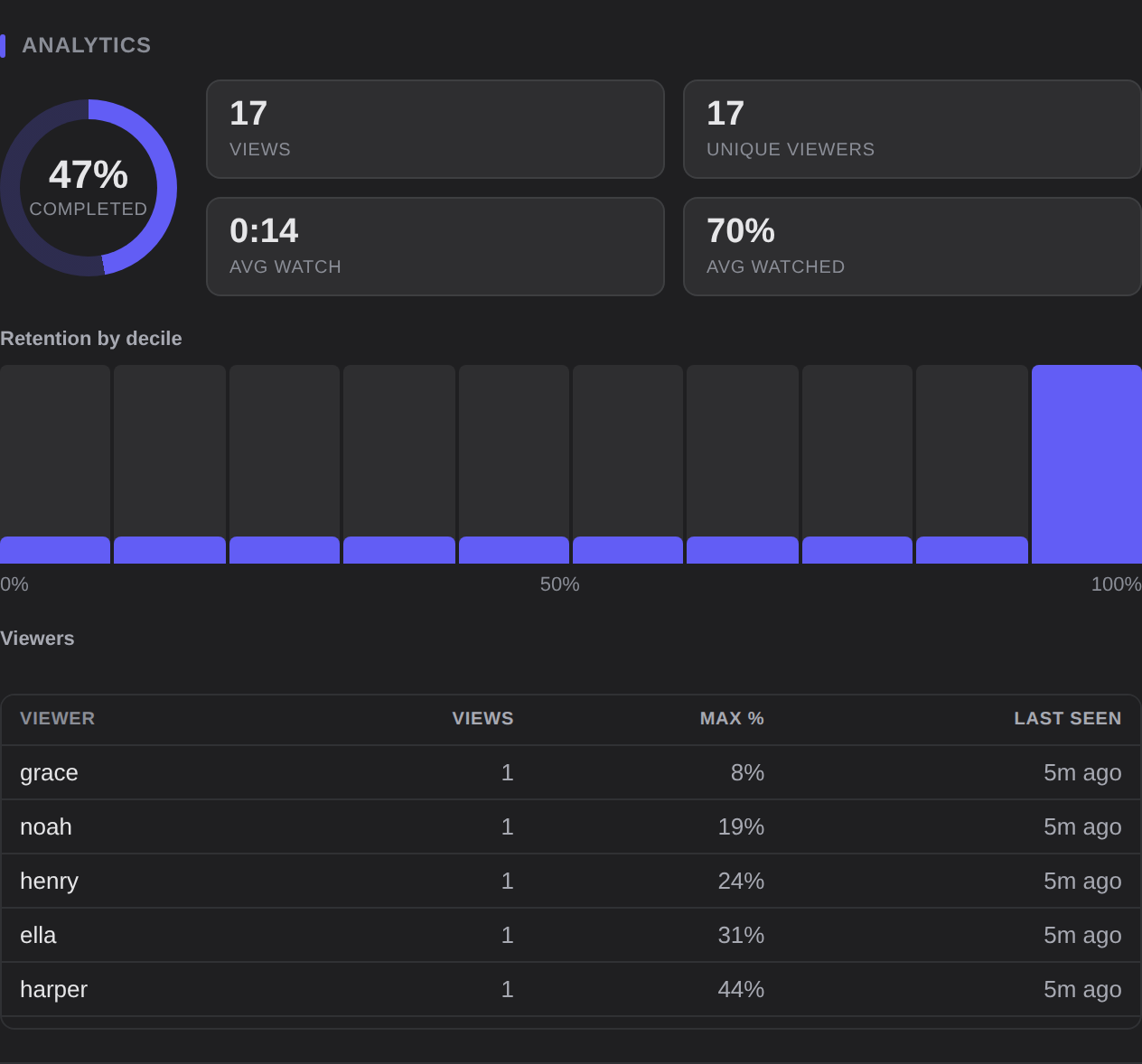
Sending a video should not be a black box. Imago shows you the completion rate, where attention drops off decile by decile, and who watched — so you know if the message actually got through.
-
Completion rateThe share of viewers who made it to the end, at a glance.
-
Retention by decileA histogram of how far people got, so you can spot the drop-off point.
-
Per-viewer breakdownWho watched, how many times, how far, and when they last tuned in.
Share on your terms.
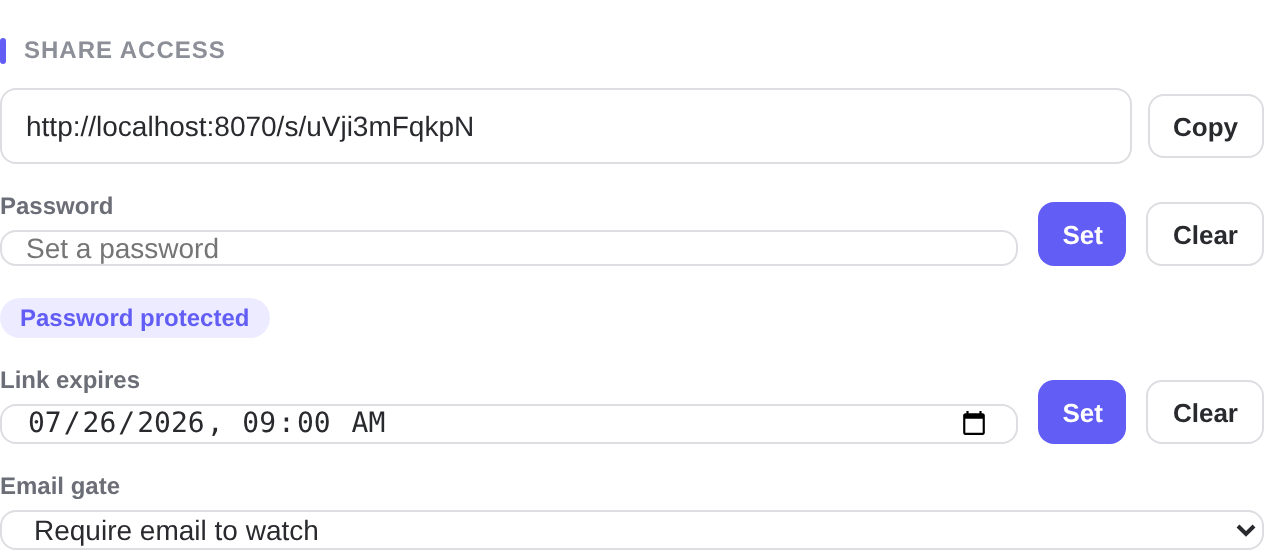
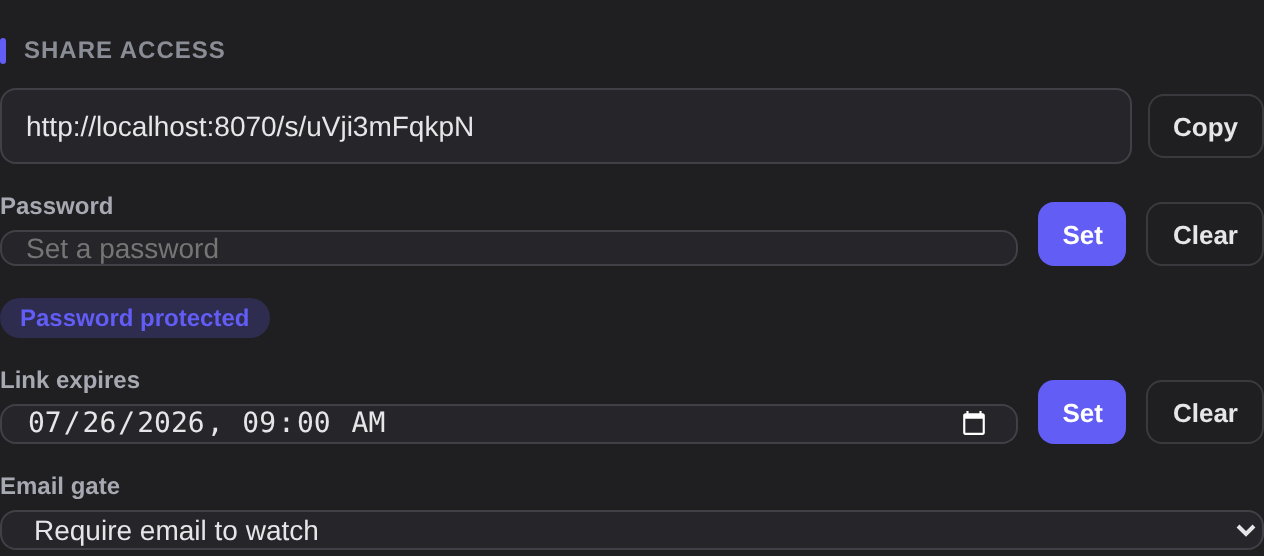
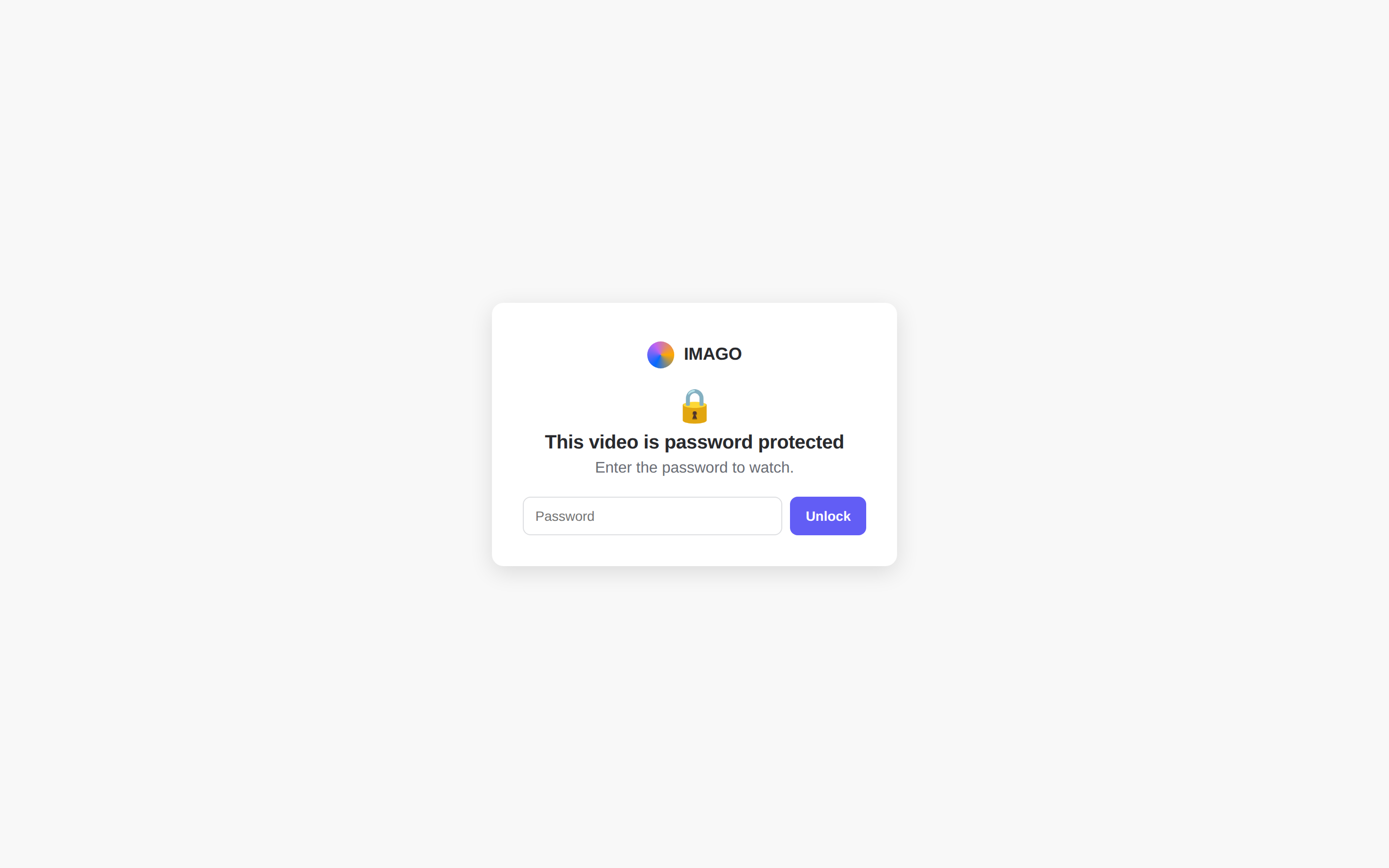
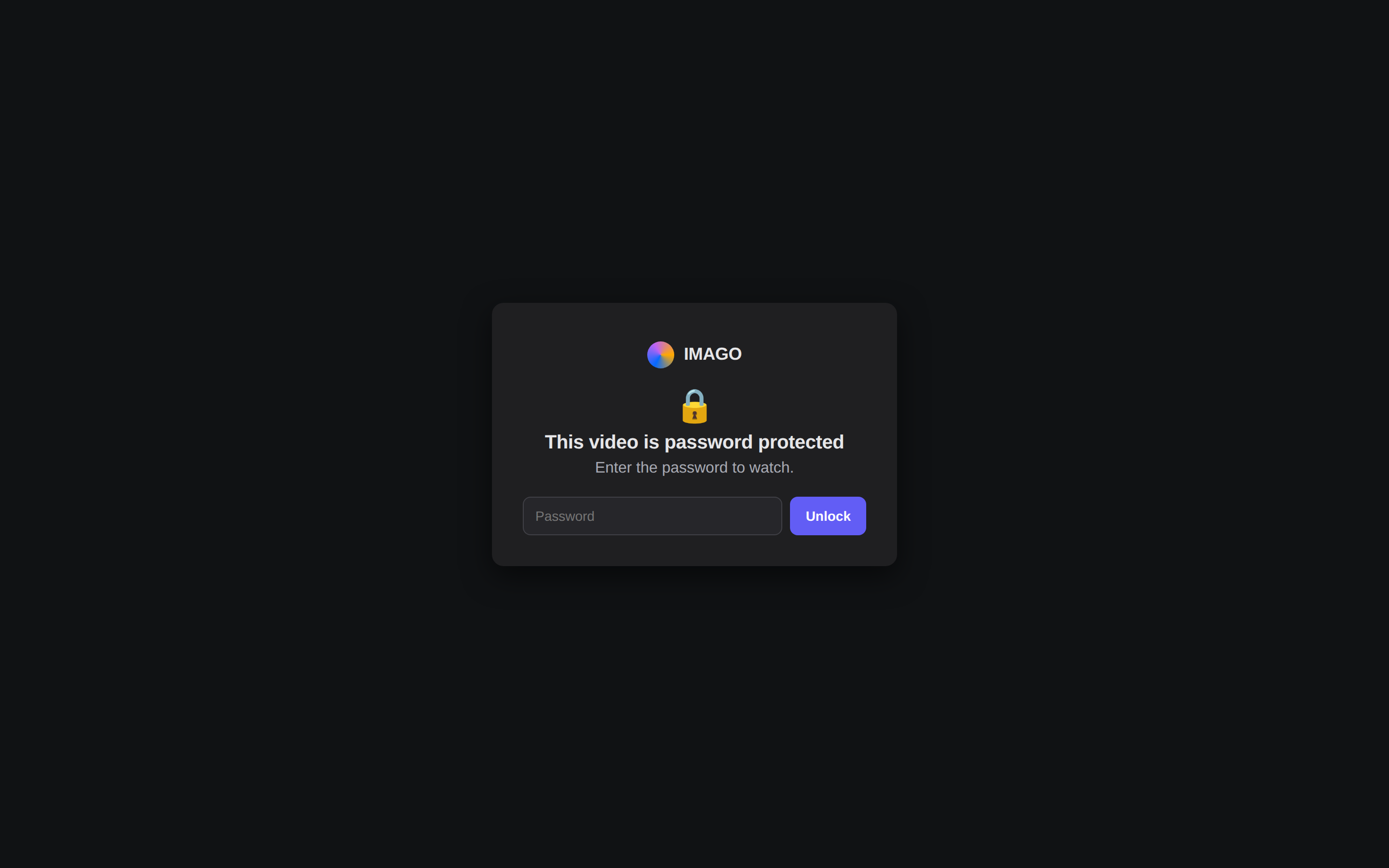
A link is only as good as the control behind it. Lock a recording with a password, set it to expire, gate it behind an email, turn downloads off, and send viewers somewhere next with an end-screen call to action.
-
Password & expirationProtect a link with a password and set it to expire on a date you choose.
-
Email gate & download controlAsk for or require an email to watch, and decide whether the file can be downloaded.
-
End-screen CTAFinish with a button — book a call, read the doc, start a trial — right on the video.
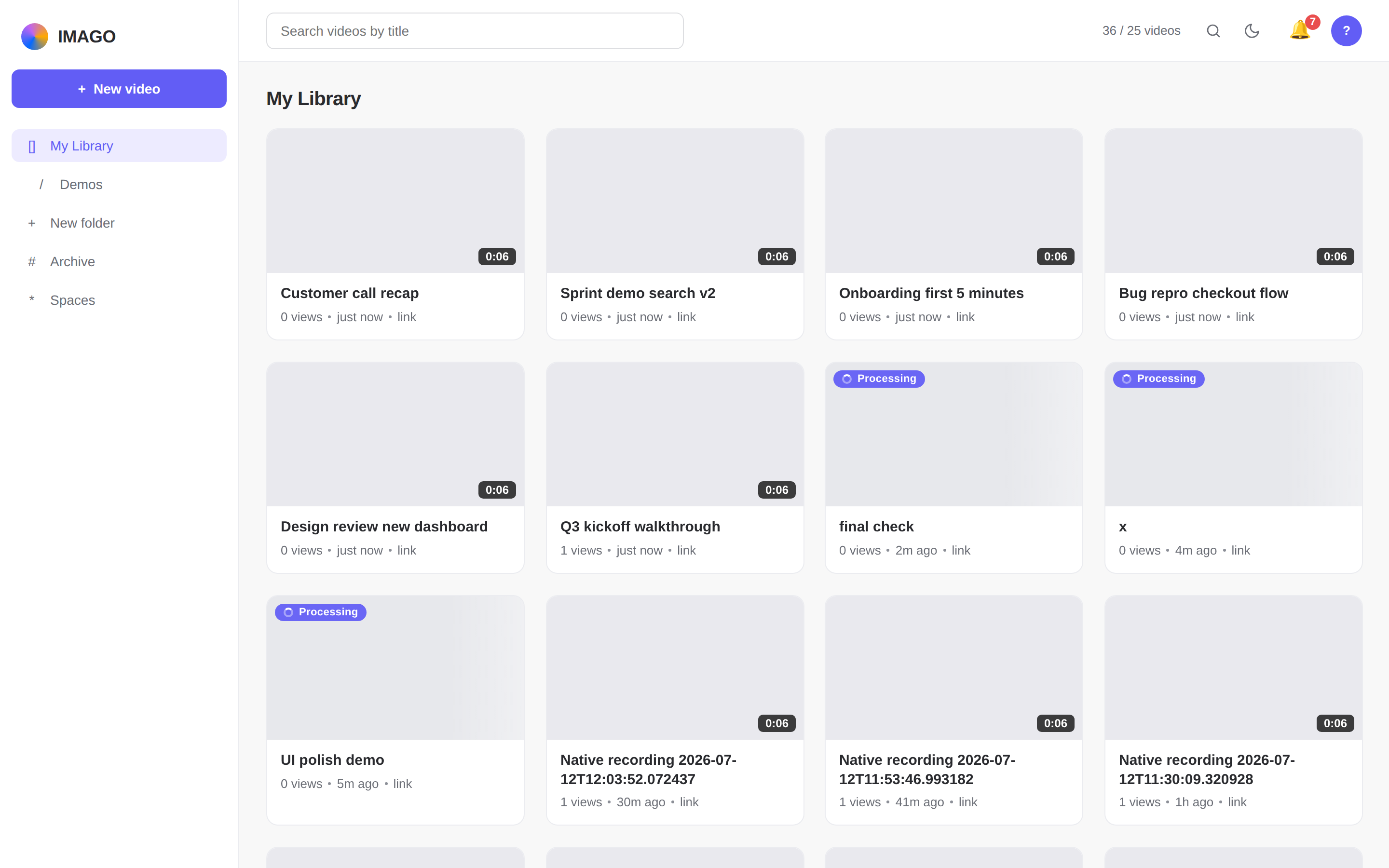
Your whole library, one search away.
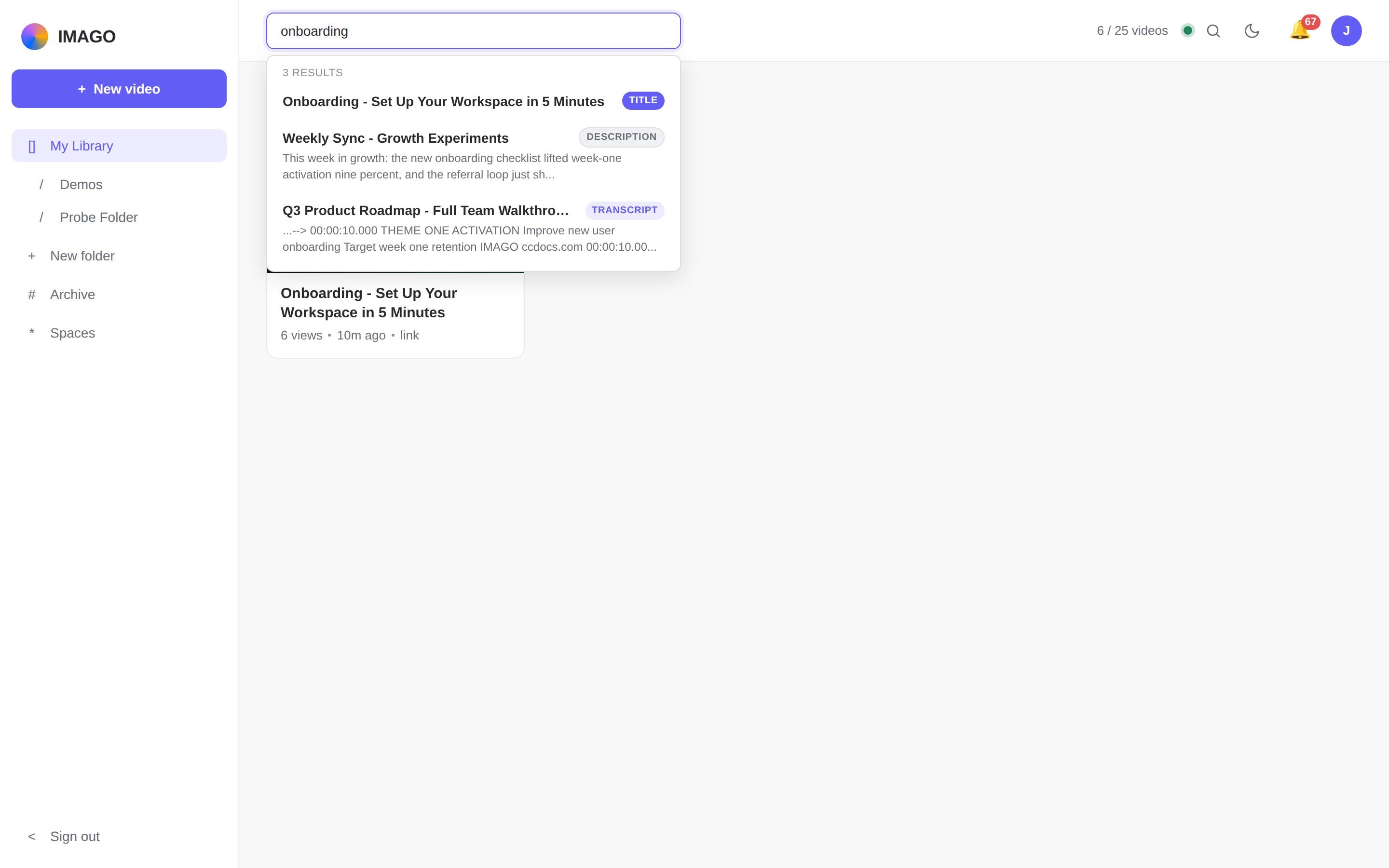
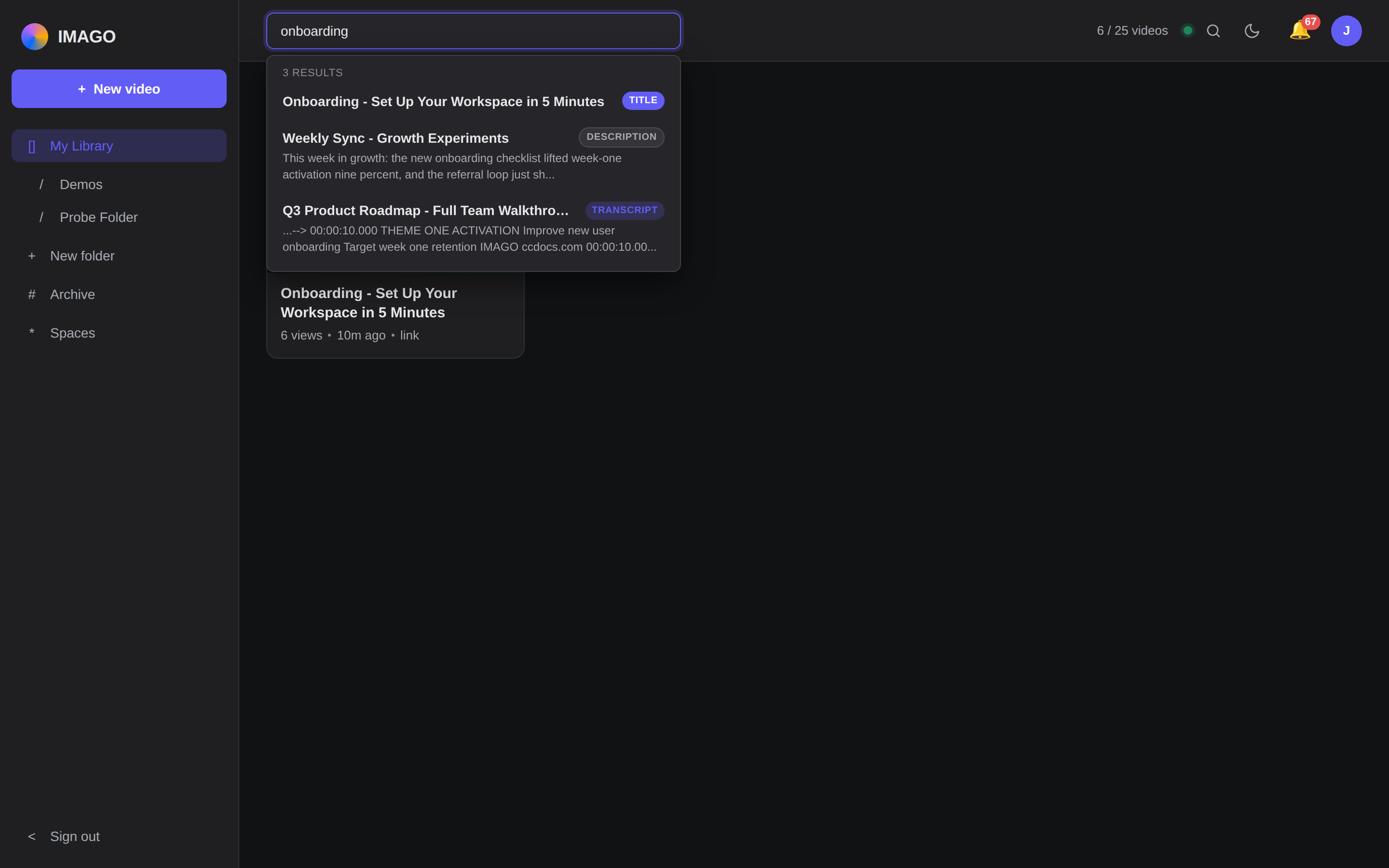
Every recording lands in a library your team can actually navigate — folders and shared team spaces, not a folder of MP4s nobody can find. Search runs across titles, descriptions, and transcripts, so you find the clip by what was said in it.
-
Search every wordTitles, descriptions, and transcripts are indexed — results tell you which one matched.
-
Folders & team spacesShared libraries by team, project, or client — everyone lands on the same shelf.
-
Comments & reactions, liveTimestamped comments and emoji reactions land in real time as people watch.
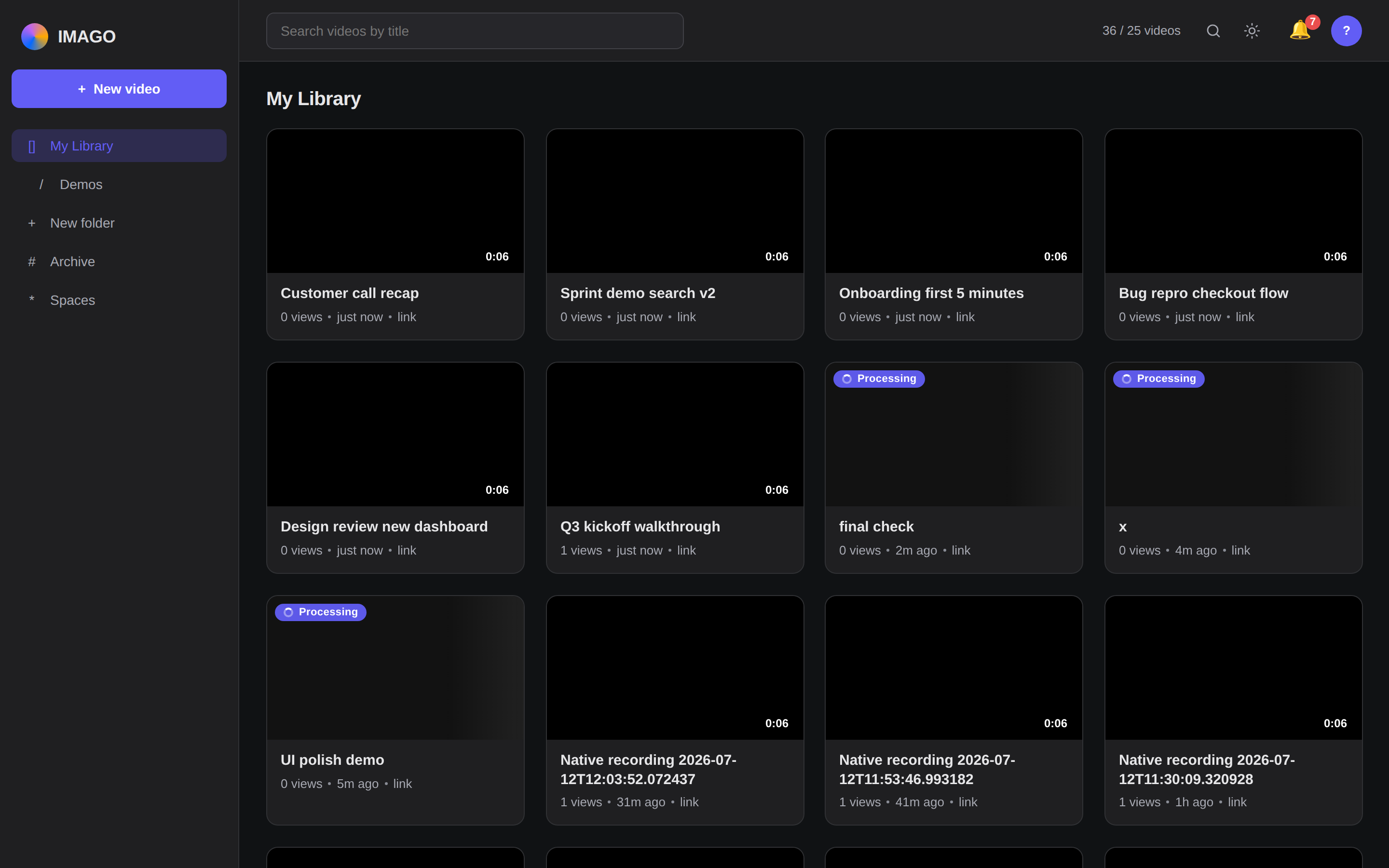
Built to record. Native on your desktop.
Imago ships as a native desktop app for Windows and macOS — the same library, recorder, and instant links, with the reliability of a real capture app instead of a browser tab.
Take a series public. Get found by search.
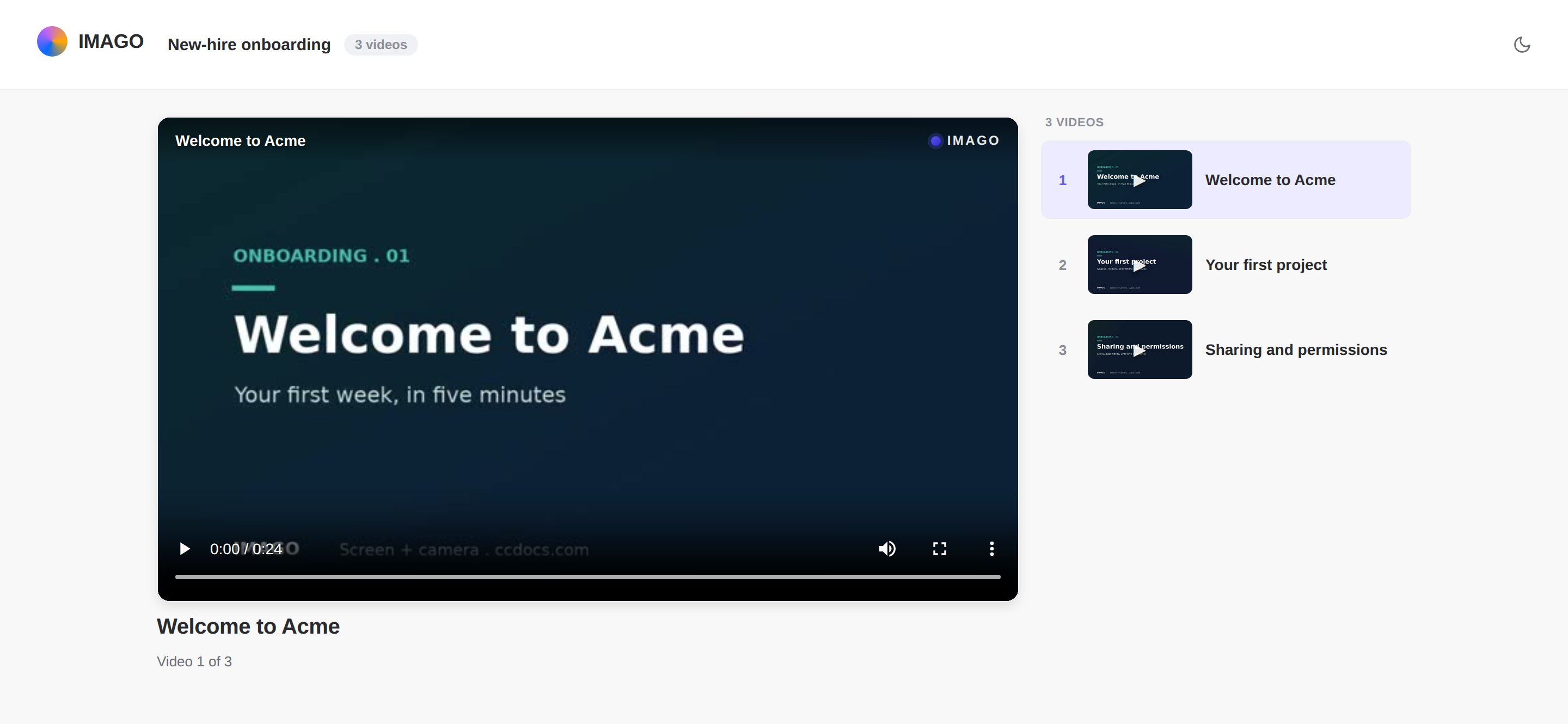
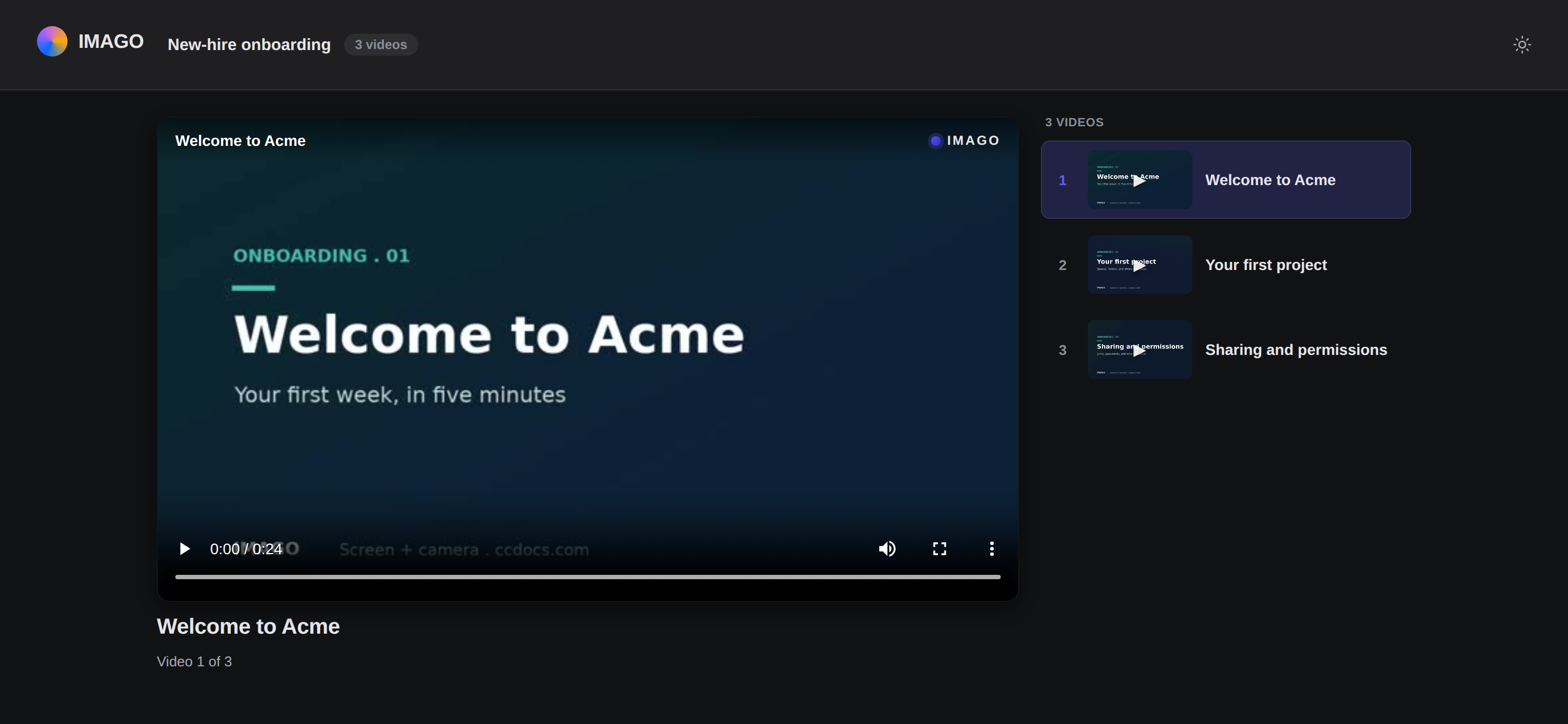
One video is a link; a set of them is a story. Group recordings into an ordered playlist and publish it as a single public page — then let search engines index every share, with the rich-result data already baked in.
-
An ordered, shareable seriesDrag videos into order, publish once, and share a single /p/ link that plays start to finish.
-
A public, branded series pageViewers get a now-playing stage and an up-next list, themed to your workspace — no login to watch.
-
schema.org VideoObjectEvery shared video emits JSON-LD, so it can surface as a rich video result — thumbnail, title, and duration.
-
A crawlable /sitemap.xmlPublic shares roll up into a sitemap the moment you publish, so crawlers find every one.
{
  "@context": "https://schema.org",
  "@type": "VideoObject",
  "name": "Q3 Roadmap Walkthrough",
  "thumbnailUrl": "https://imago.ccdocs.com/.../q3-roadmap/thumbnail",
  "uploadDate": "2026-07-12",
  "contentUrl": "https://imago.ccdocs.com/.../q3-roadmap/stream",
  "embedUrl": "https://imago.ccdocs.com/embed/q3-roadmap",
  "duration": "PT1M"
}
Every video is a two-way signal.
Viewers tell you which moments landed, and every share fires an event your stack can act on. Reactions come back as a heatmap; webhooks push what happens out to the tools you already run.
The moments that landed.
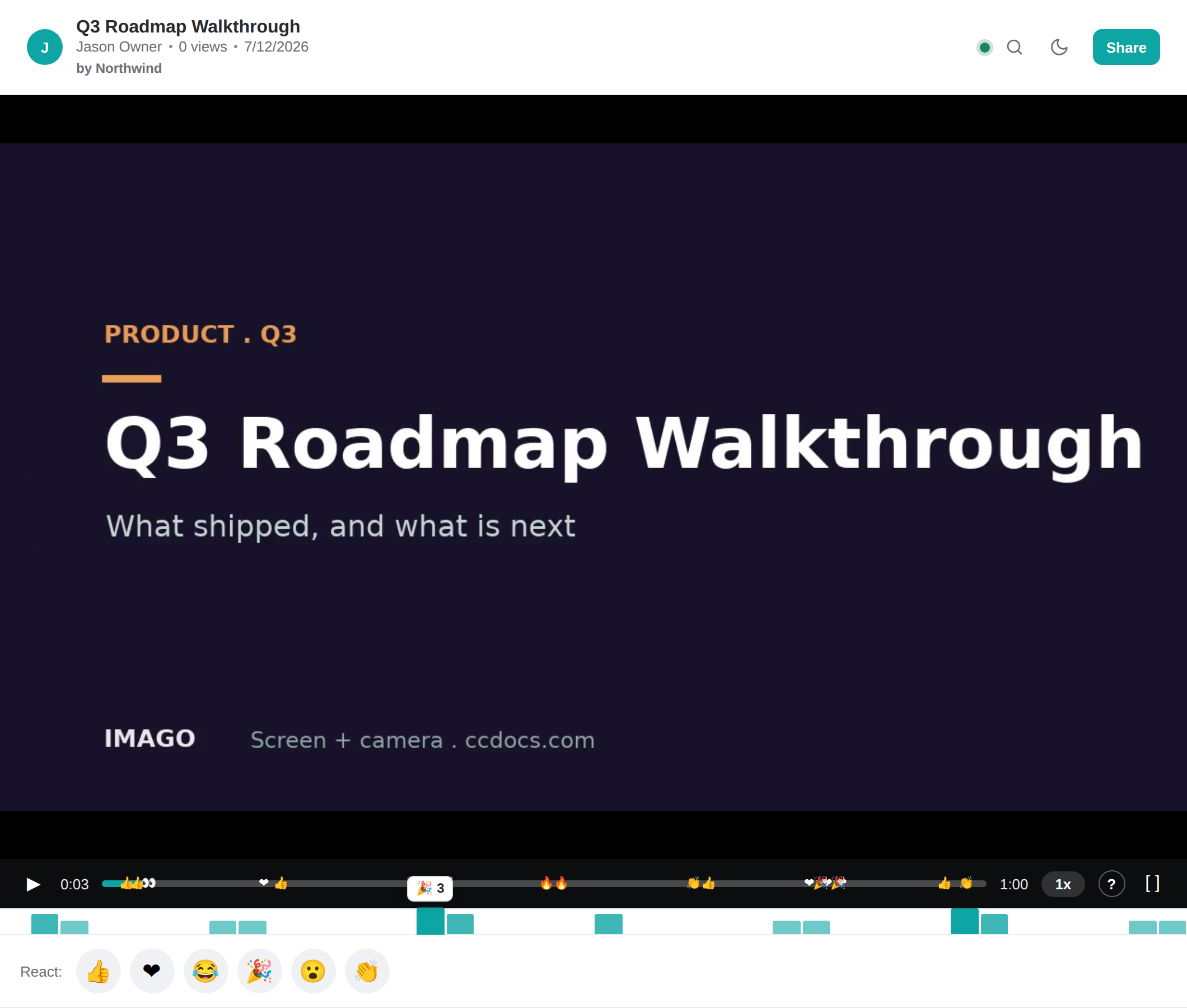
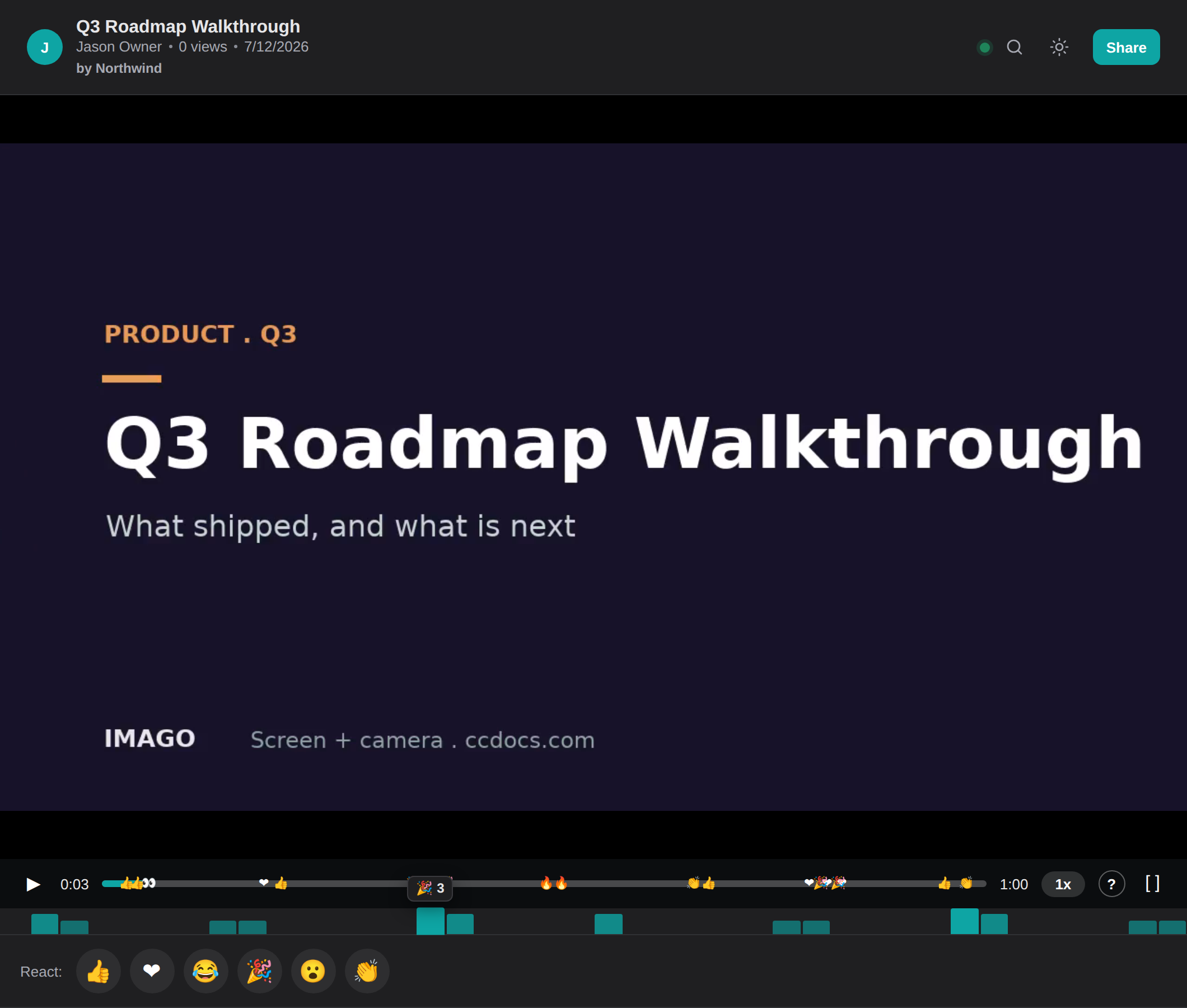
Emoji reactions do not just float by — they bucket across the timeline into a live density strip under the scrubber. One glance shows the peaks, so you know exactly which ten seconds got the claps.
-
A density strip on the scrubberEach bucket rises with the reactions that landed there, and the top emoji rides the tallest bars.
-
Click a peak to jump thereEvery bar carries a seek target — click the crowd's favorite moment and the player goes straight to it.
Wire Imago into anything.
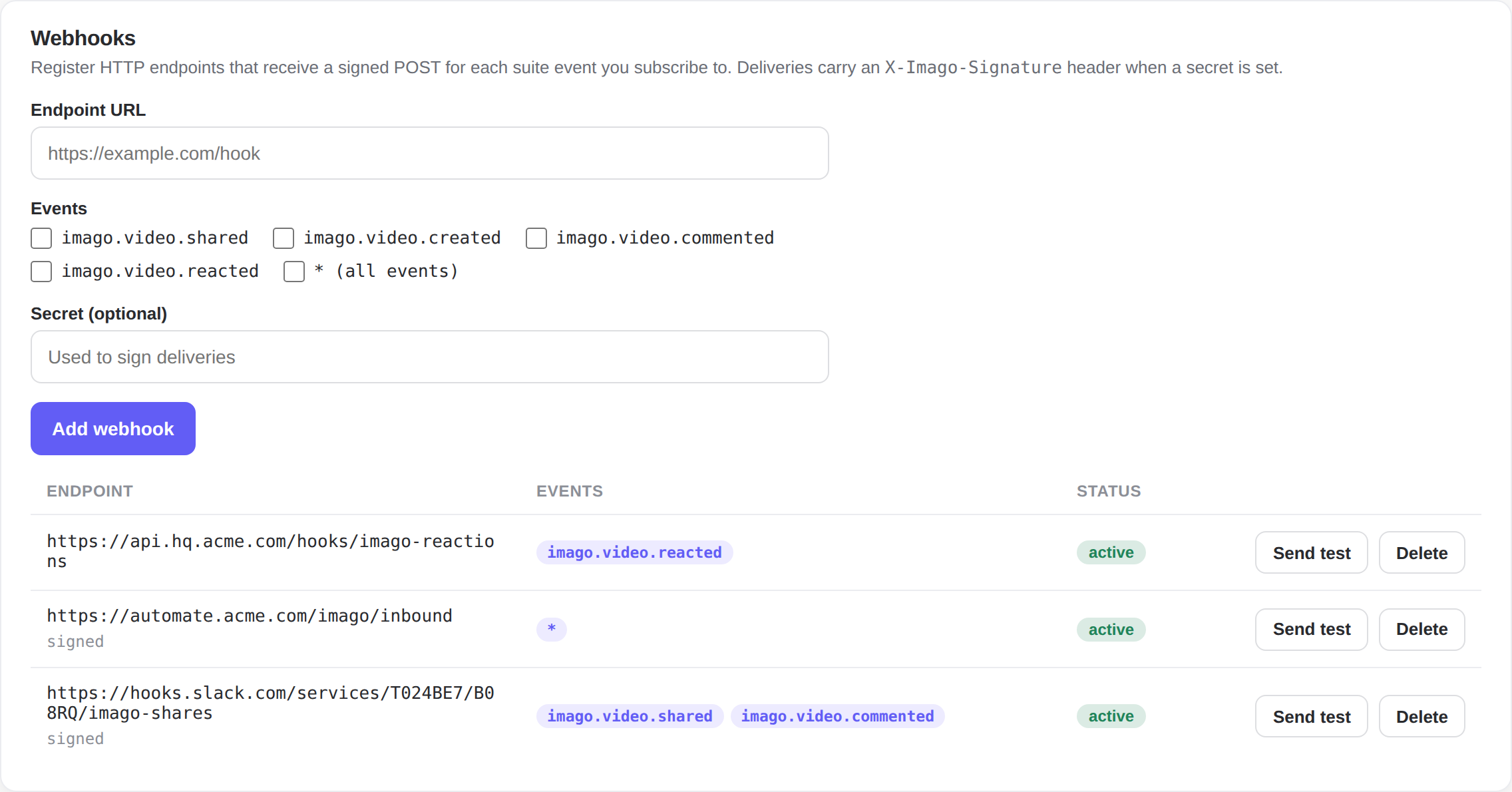
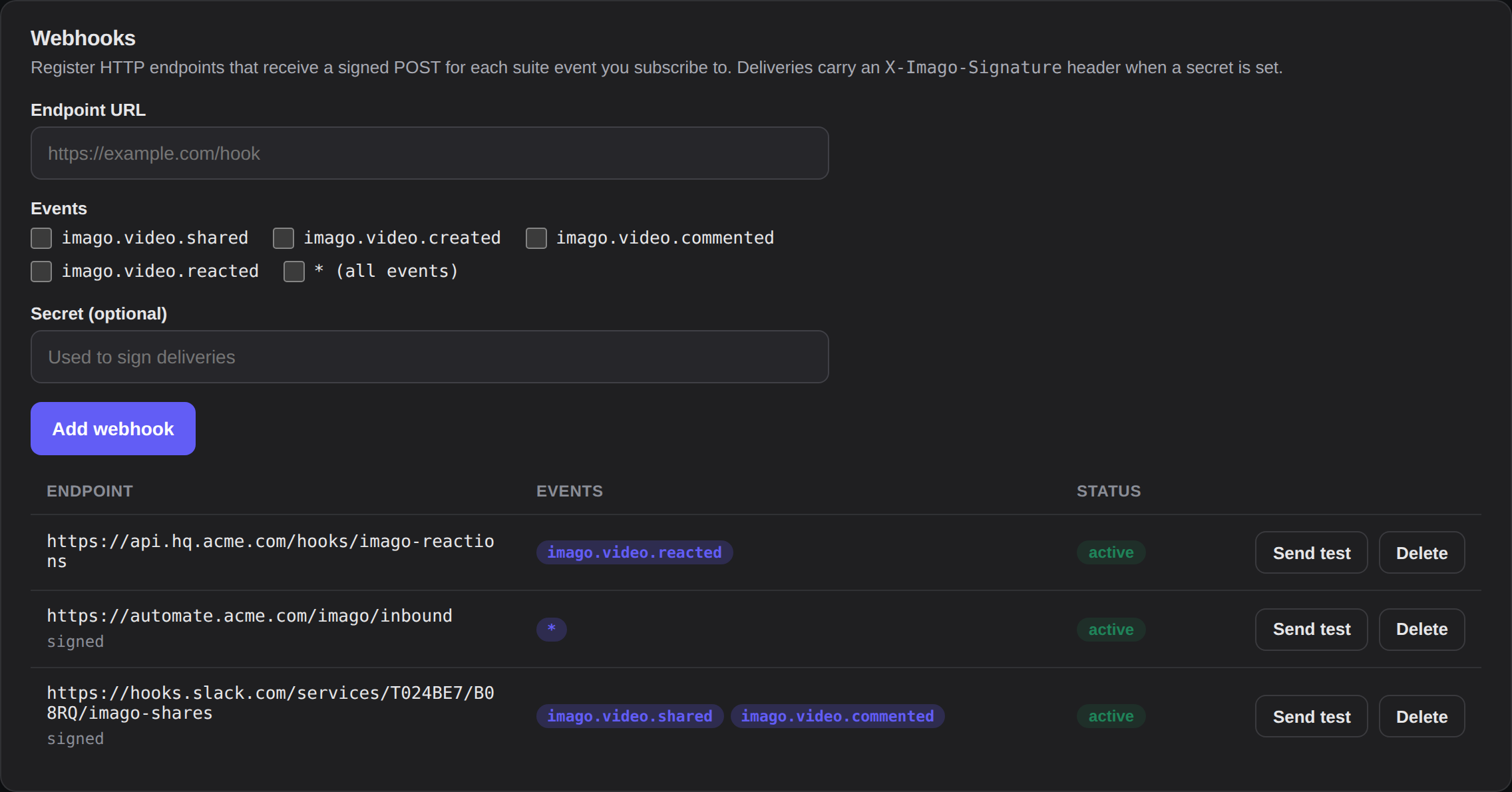
Register an endpoint, pick the events, and Imago POSTs a signed payload every time a video is shared, commented on, or reacted to — so Slack, your CRM, or a homegrown automation reacts the moment it happens.
-
HMAC-signed deliveriesSet a secret and every POST carries an X-Imago-Signature header, so receivers can verify it is really us.
-
Subscribe per event, or all of themChoose shared, created, commented, reacted — or a single wildcard that forwards the whole suite bus.
The whole loop, without a calendar invite.
Record, share, watch, reply — and everything that makes the async loop actually work.
A share link the moment you stop
Playback begins while the file is still uploading. No render queue, no "processing, check back later."
Screen + camera bubble
Screen, face, or both — a draggable bubble keeps it personal.
Timestamped comments
Replies pin to the exact second — point at the frame, not the whole video.
Emoji on the timeline
A thumbs-up, a clap, a party popper — quick reactions right where they land.
Speed on their terms
0.5x to 2x playback, fullscreen, and keyboard-friendly controls for the watcher.
Off by default
Decide per video whether viewers can save the original file.
Shares that show up across CCDocs
Share a video and it emits a suite event — the link surfaces in chat, tasks, and meeting recaps automatically.
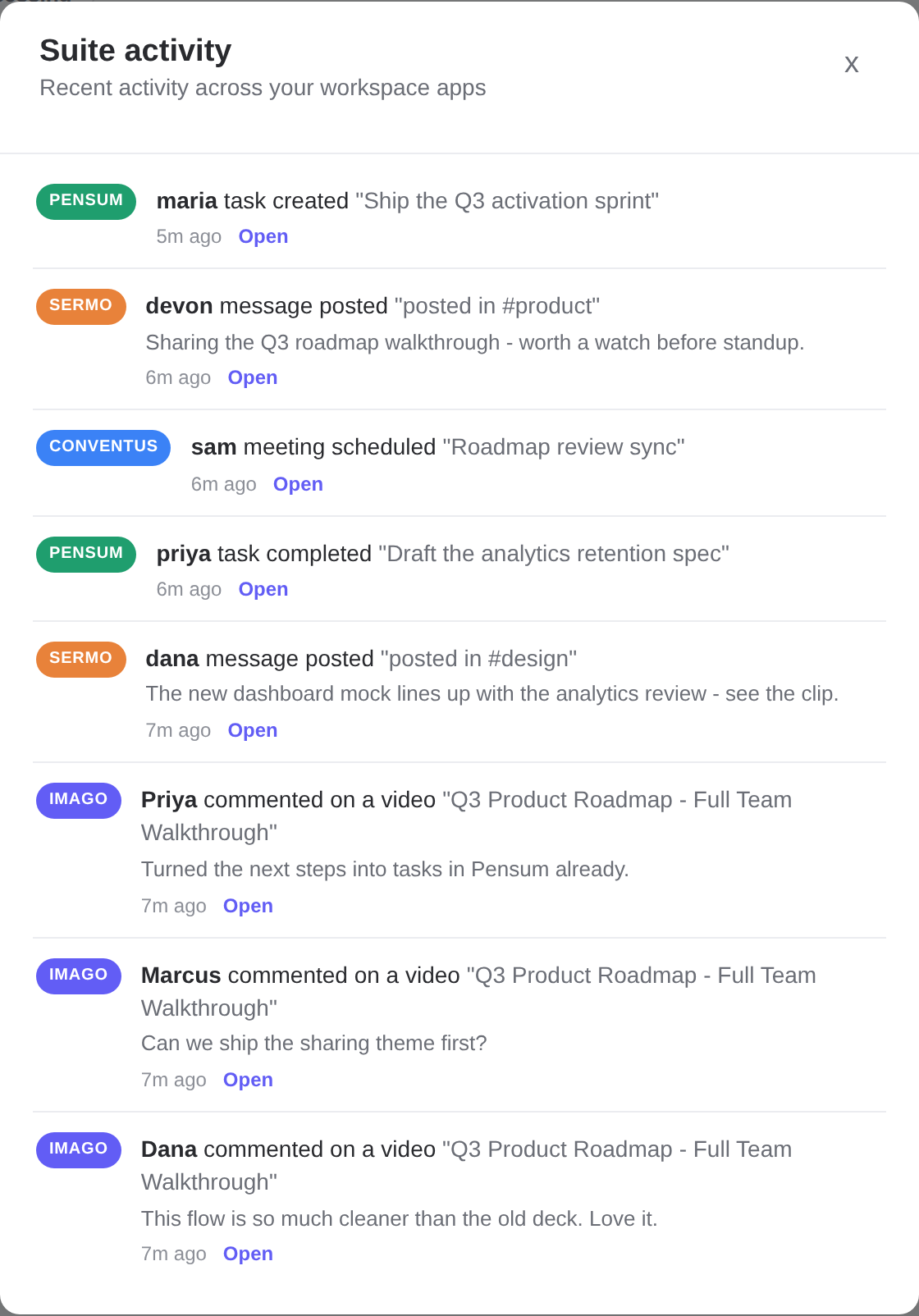
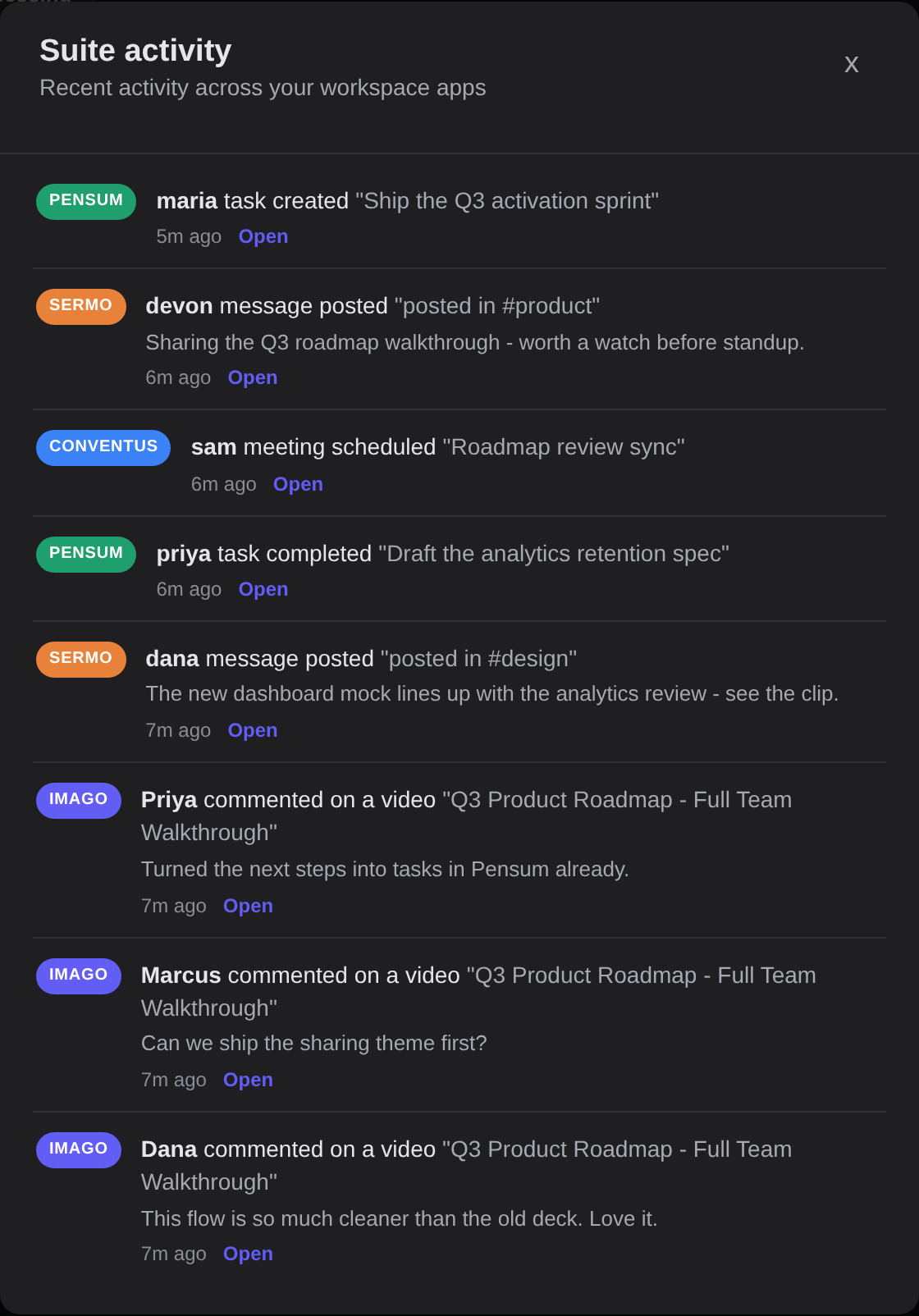
One feed for the whole suite.
Imago does not just live in the suite — it listens to it. Every recording you share emits an event across CCDocs, and a task in Pensum, a message in Sermo, or a meeting in Conventus shows up right here. Each video even knows where it has been referenced.
-
Every app in one placePensum, Sermo, Conventus, and Imago activity, each tagged with its own app badge.
-
Events both waysImago emits what happens to it and consumes what happens around it — a live two-way bus.
-
Referenced-by, per videoSee exactly which tasks, chats, and meetings point at a recording.
Shared pages that wear your brand.
Admins set an accent color, a logo, and a brand name — and every shared and embedded Imago page themes to match, automatically.


Part of the CCDocs suite.
One login, one team. A meeting in Conventus becomes tasks in Pensum and a recap in Sermo — and an Imago video drops into any of them.
Stop scheduling the meeting.
Send the Imago instead.
Free to start. Your first link is 60 seconds away — summary, chapters, transcript, and analytics included.